How to update COO menu
Update COO Menu.
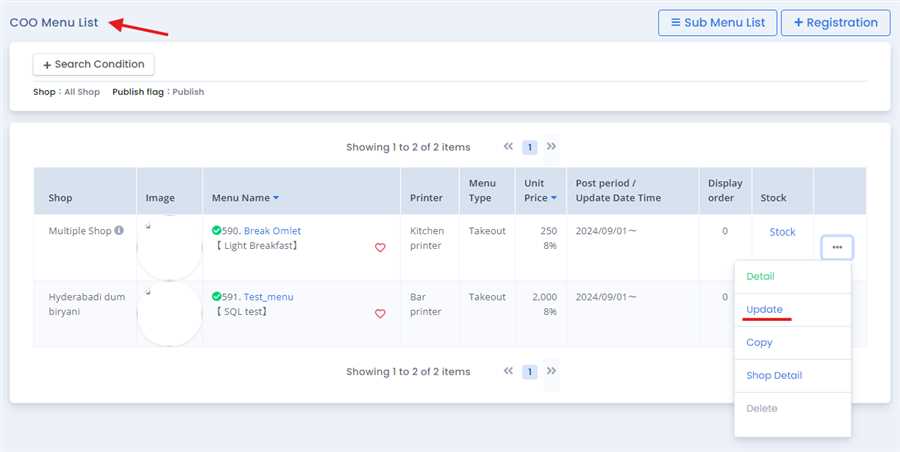
COO menu can be updated from the coo menu list by pressing the update tab After pressing, menu registration form opens up and user can update necessary details required. After that ,the form can be submitted with necessary update details to the COO menu
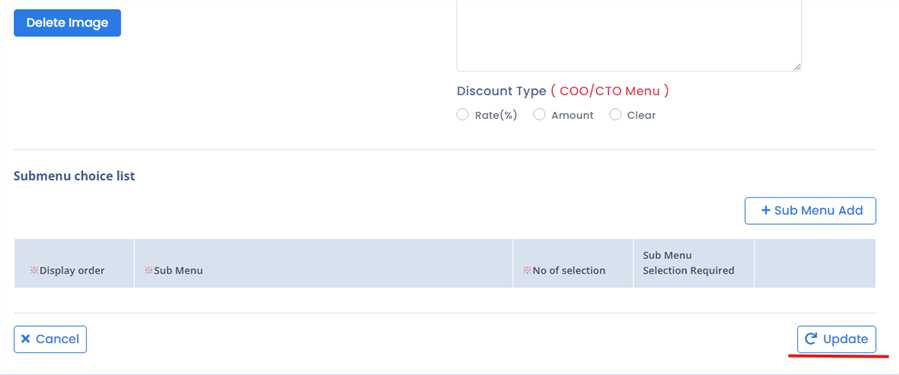
By entering the required field you simply can Click the Update button in COO update form to update the COO menu. By this process/ procedure you can perform simple update of a COO menu.