Steps to register Party QR
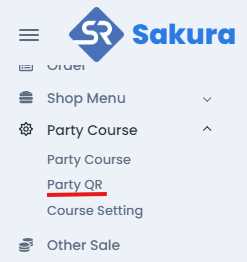
User can find Party QR at left sidebar inside Party Course Tab
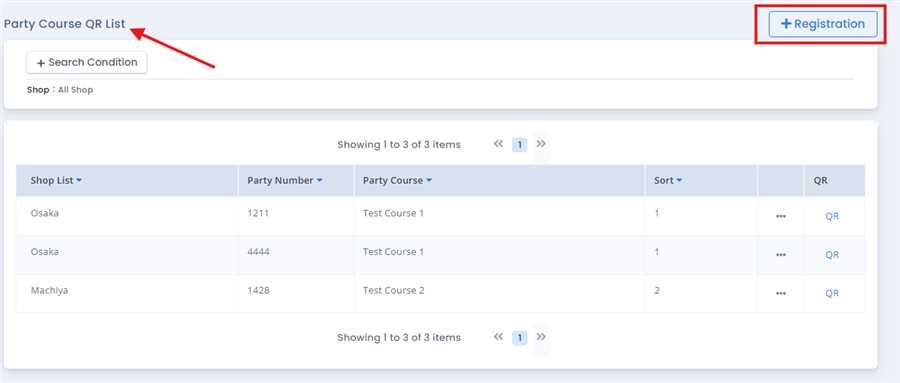
Clicking on the Party QR,party QR list opens up with their respective information.Click on the Registration button to proceed further.
After pressing Registration button,a pop up form opens up where you will fill required information like shop,party course,party number,sort, top and bottom description.
Note: Only registered party course is shown up for their respective shop
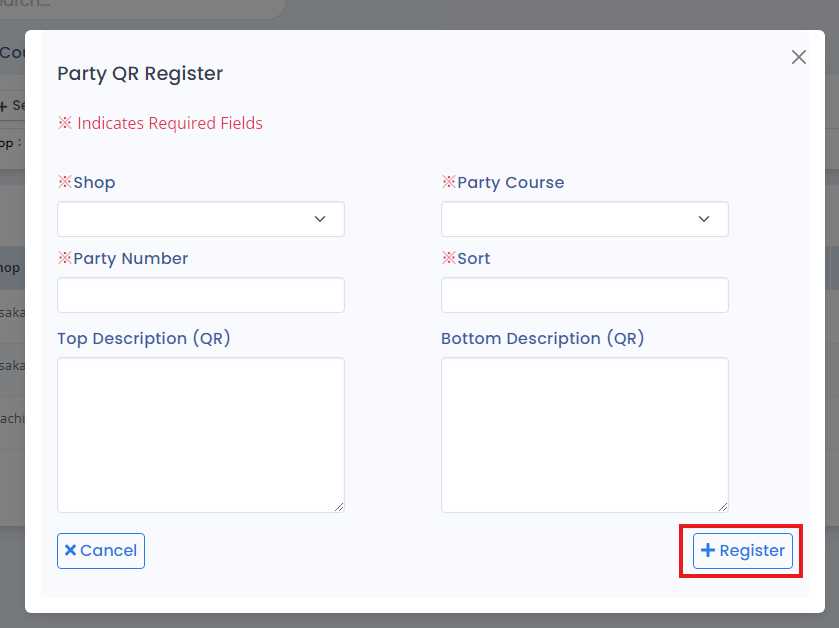
Finally, Register button is clicked to add Party QR in party Course. By this process/ procedure you can simply add Party QR in party Course in the POS system.
