Click on "Daily Expenses" in the navigation panel.
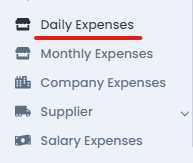
Click on the "Item List" as shown.

Click on the "Register" button

The following form will appear. Please fill it out accordingly.
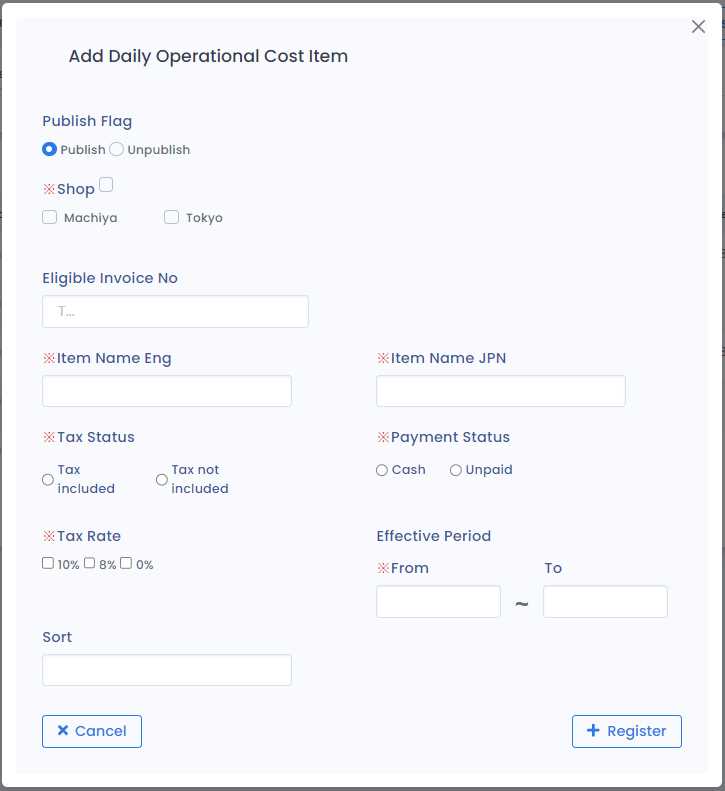
1) Publish Flag
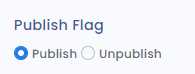
· Publish: Item is eligible to be used while expenses are being registered
· Unpublish: Item is ineligible to be used while expenses are being registered
2) Shop (Only for Company Authority)
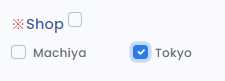
Select the shop to which the item belongs.
3) Eligible Invoice No
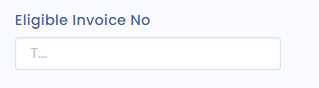
Enter a unique invoice number for the item, starting with 'T' and consisting of 14 characters. For example: T1111110000223.
4) Item Name

- Eng: Enter the name in English.
- JPN: Enter the name in Japanese.
5) Tax Status
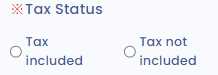
· Tax Included: The price of the item includes tax.
· Tax excluded: The price of the item excludes tax.
6) Payment Status
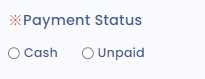
· Cash: The price of the item has been paid in cash.
· Unpaid: The price of the item is yet to be paid.
7) Tax Rate
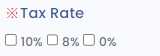
Select the applicable tax rates for the particular item that can be paid.
8) Effective Period
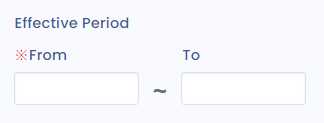
· From: The date from which the item is eligible for expense registration.
· To: The date until which the item is eligible for registration.
9) Sort
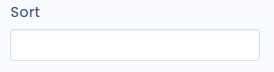
Items are in order according to the sort number.
