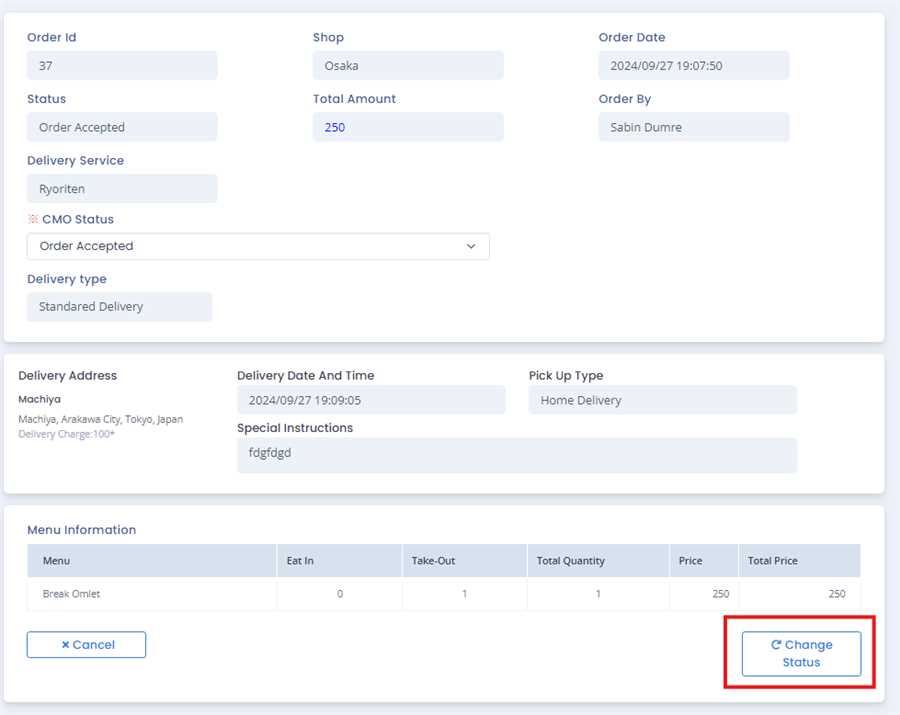
Steps to change status of COO order
After opening the list of COO orders you can change status of the order by pressing the Change Status in .. tab.
Note: The change status is only active after accepting the coo order and is not active beforehand.
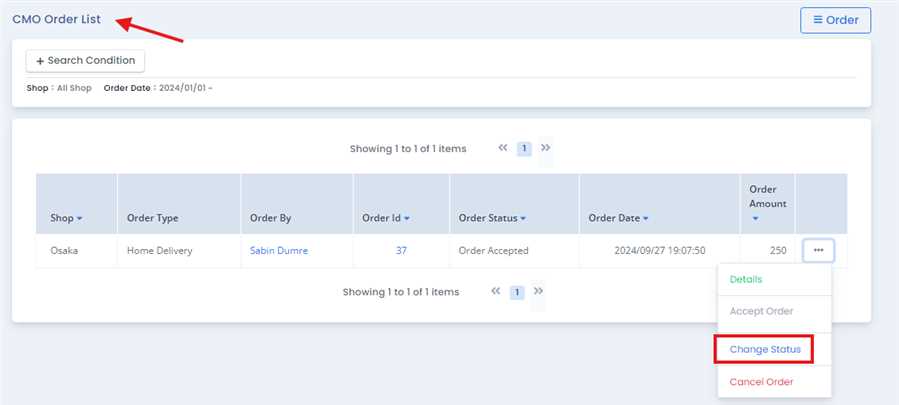
After pressing Change Status, a form opens up which contains the information of that order.User cang change the status of the order by changeing the status in CMO status dropdown.
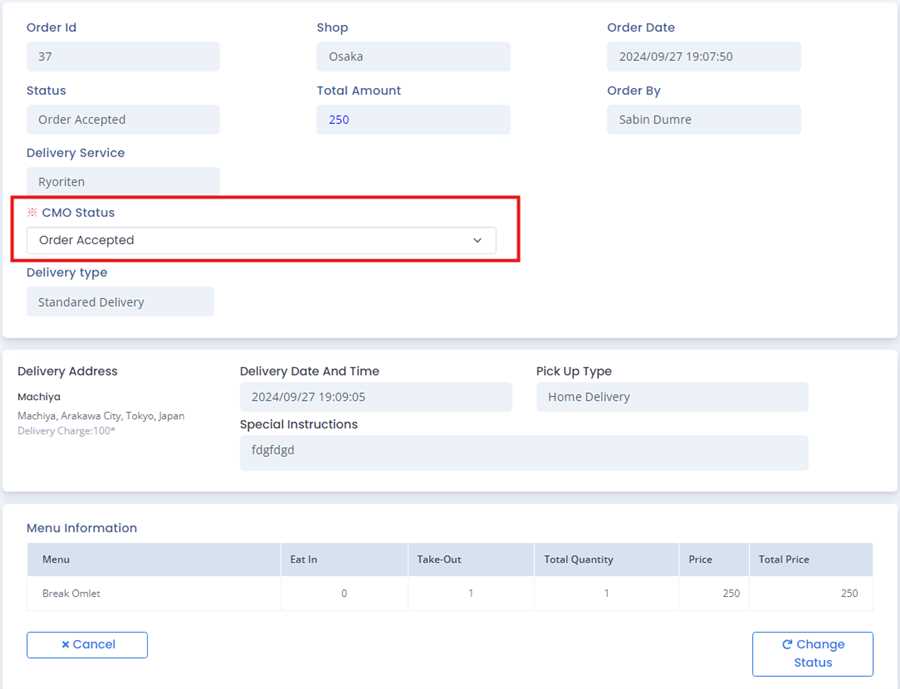
Finally,user can finalize the change status operation by pressing Change Status button.