How to view detail of Recommendation Menu in COO
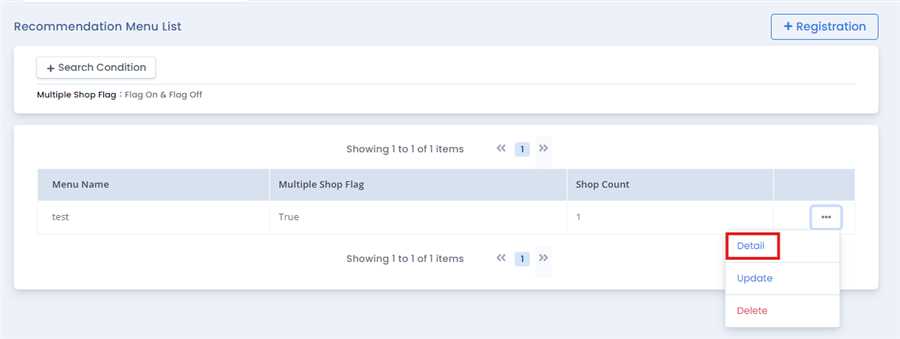
User can press Detail button after pressing ... tab of the respective menu in Recommendation Menu List.
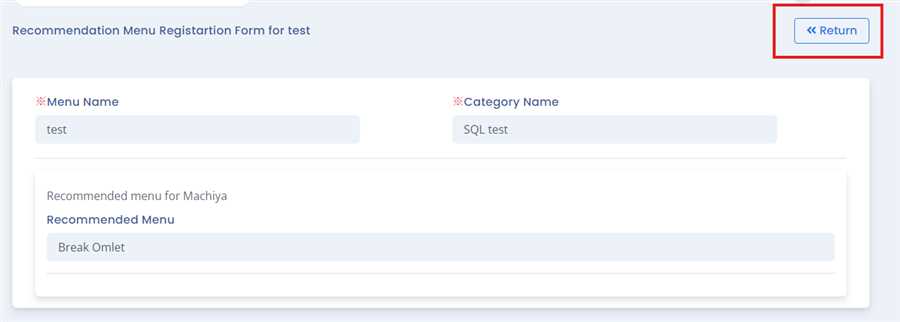
After pressing detail button a form opens up which gives detail of the respective COO menu.User can return to the recommendation list by pressing Return button.By this process/ procedure you can simply view detail of recommendation menu in COO in the POS system.