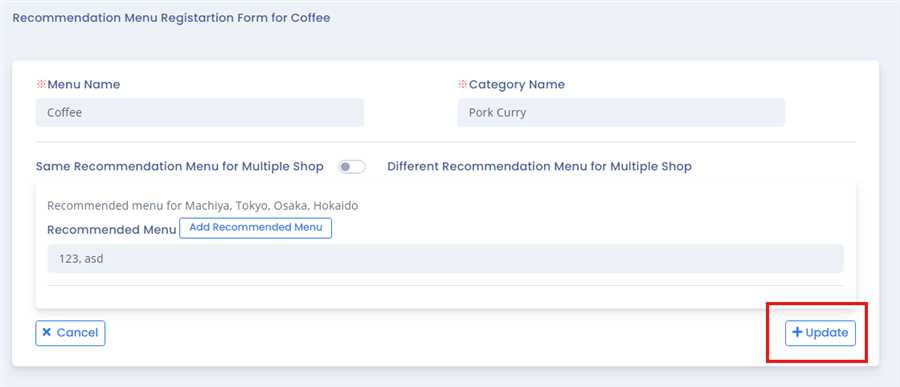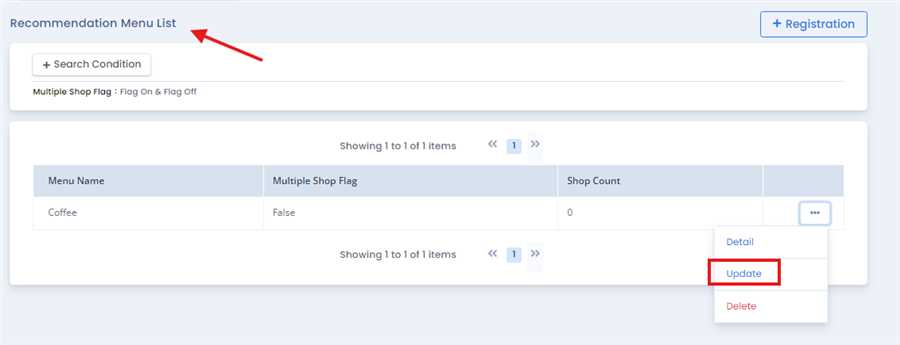
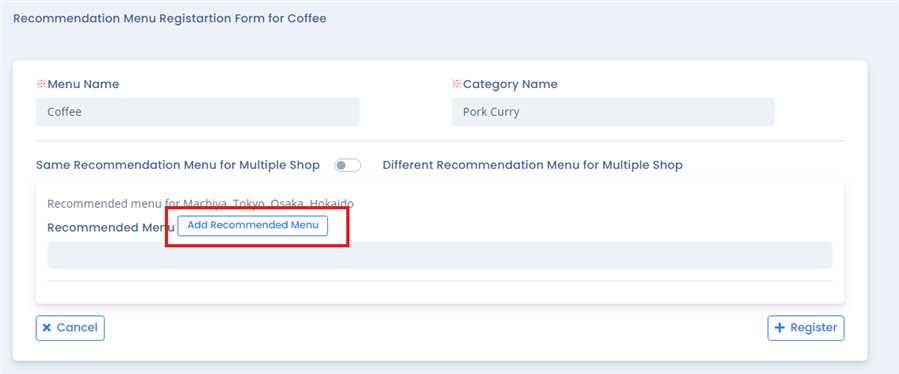
After pressing Update button a form opens up of the respective coo menu.User can update menu pressing Add Recommended Menu Button.
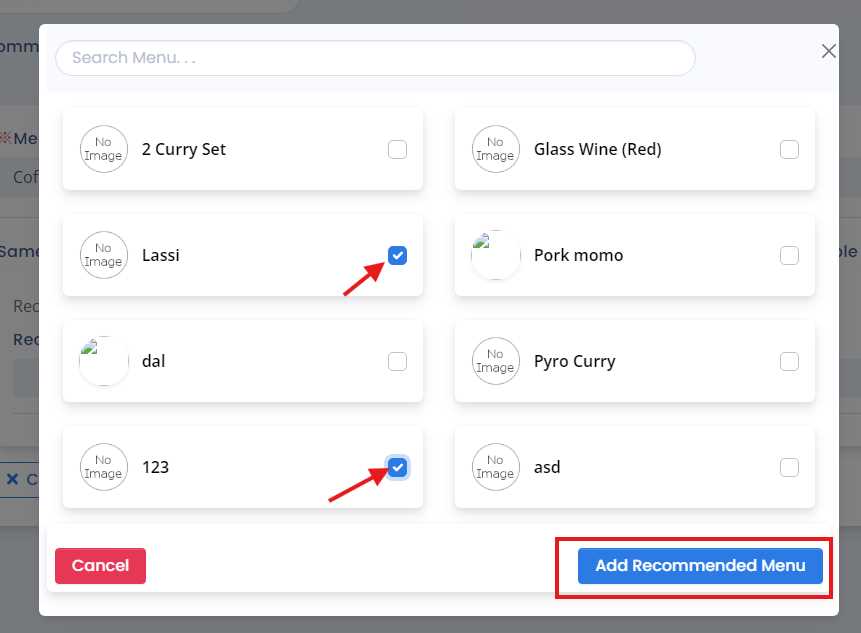
A pop up page opens up, which contains the list of recommended menu where user can add remove menu by checking /unchecking the checkboxes.
Note:Multiple menu can be added or removed simultaneously.
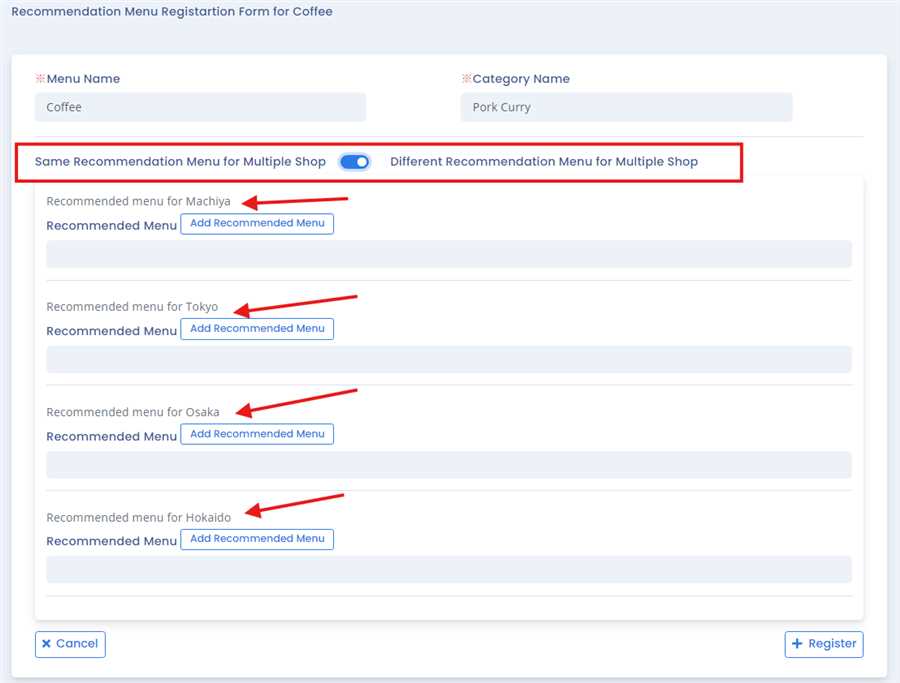
User can also set different menu recommendation for each shop by changing the setting which enables it on/off as shown in figure below and can be added for each shop.
Finally, Update button is clicked to update recommendatrion menu in CTO. By this process/ procedure you can simply update recommendation menu in CTO in the POS system.