How to add different Shop Detail on different shop for same party course?
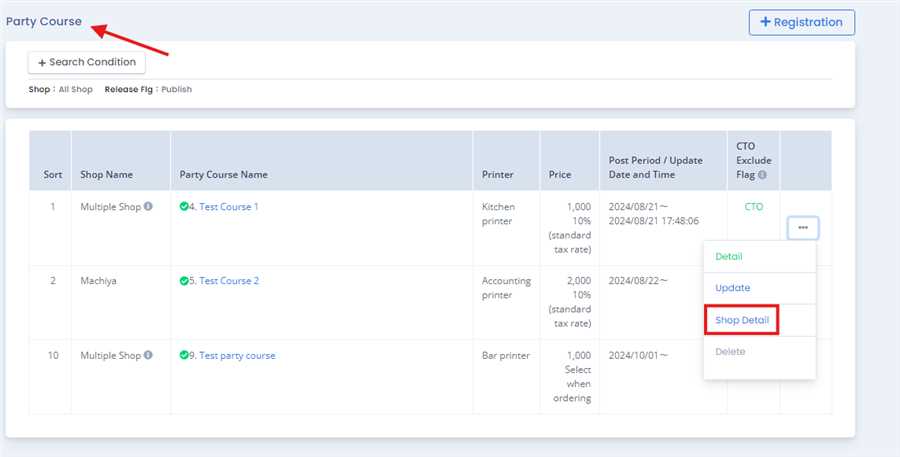
Firstly, to add the shop detail the party menu should be created on Multiple Shop(more than one shop should be selected while restration of the party course ) and appers on the party course list as shown in figure below:

In the party course list click on Shop Detail which is inside ... tab in Party Course List.
After pressing Shop Detail a form opens us which shows the price of every registered shop.User can change price of each shop by clicking on the shop name.
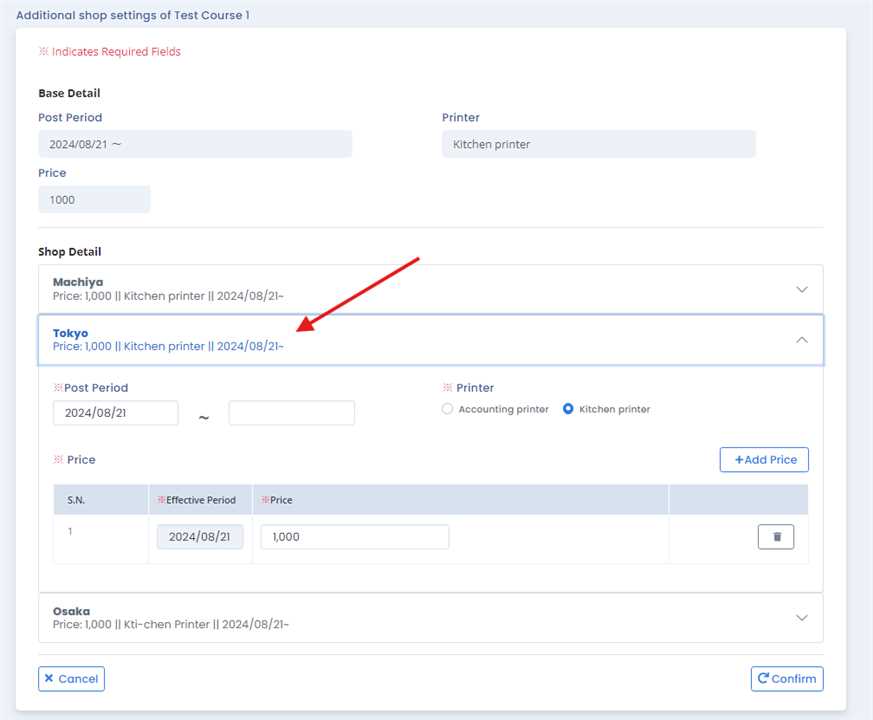
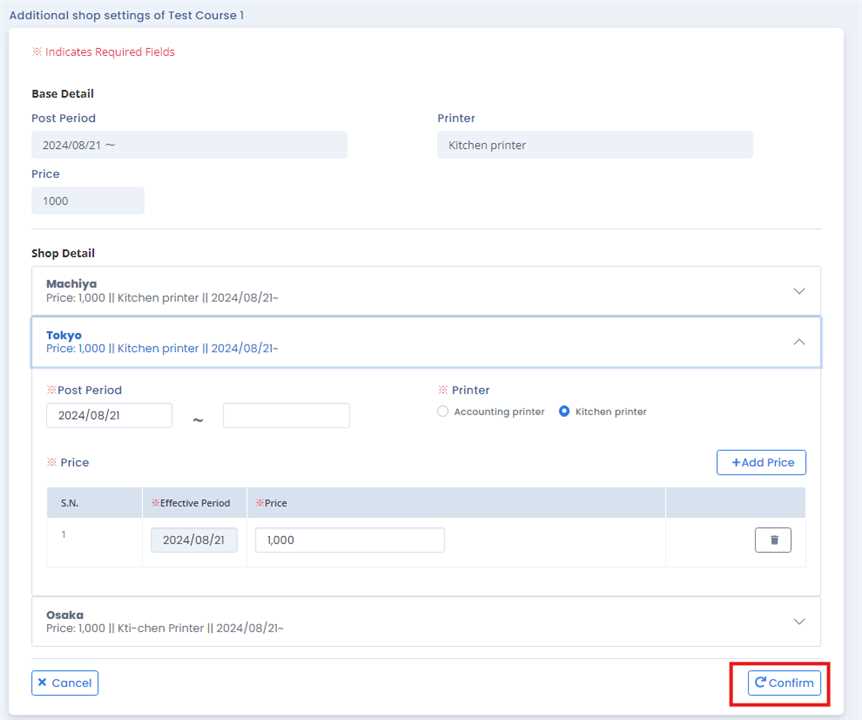
Then, user can change the data of each shop as wanted. Click on "Confirm" after you are done. Different data for different shop of same menu is then saved.
Note: Not only price but price with their Post Period and Printer can also be selected.
By this process/ procedure you can simply add different shop detail on different shop for same Party Course in the POS system.
