Steps for accounting in Customer Display
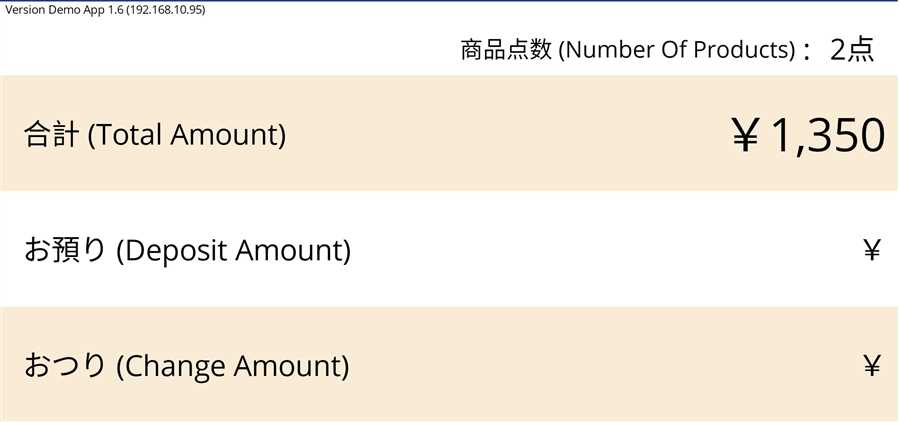
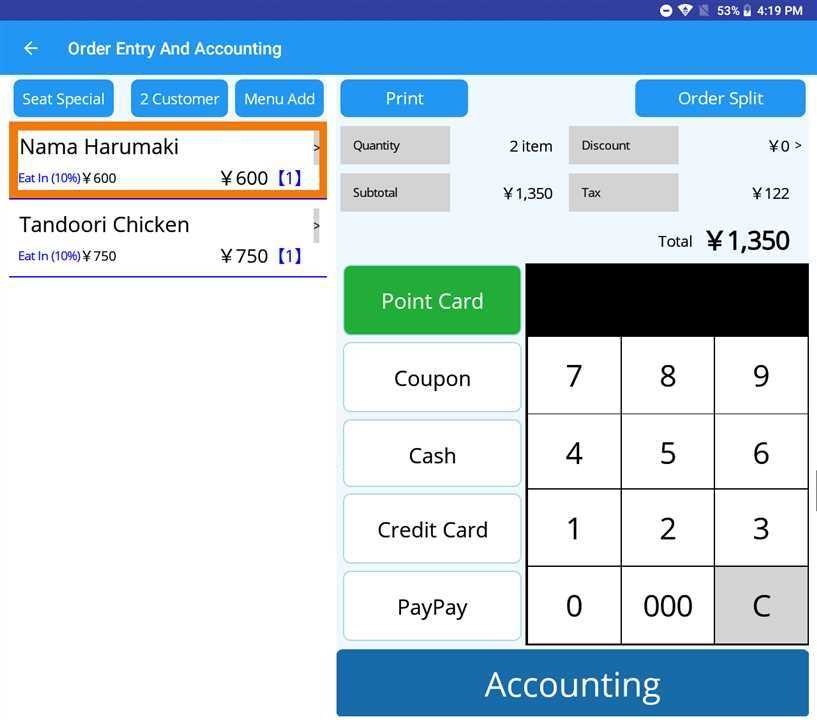
Go to accounting page and choose a table. Then, the order of that table appears in both POS and Customer Display Terminal as shown in the image. Then, conduct the accounting by pressing Accounting button after entering paid amount. Also, select the method of payment like Point card, Cash, Coupon etc. by which customer is paying as shown in figure in POS Accounting:
Customer Display:
POS Accounting:
Then,
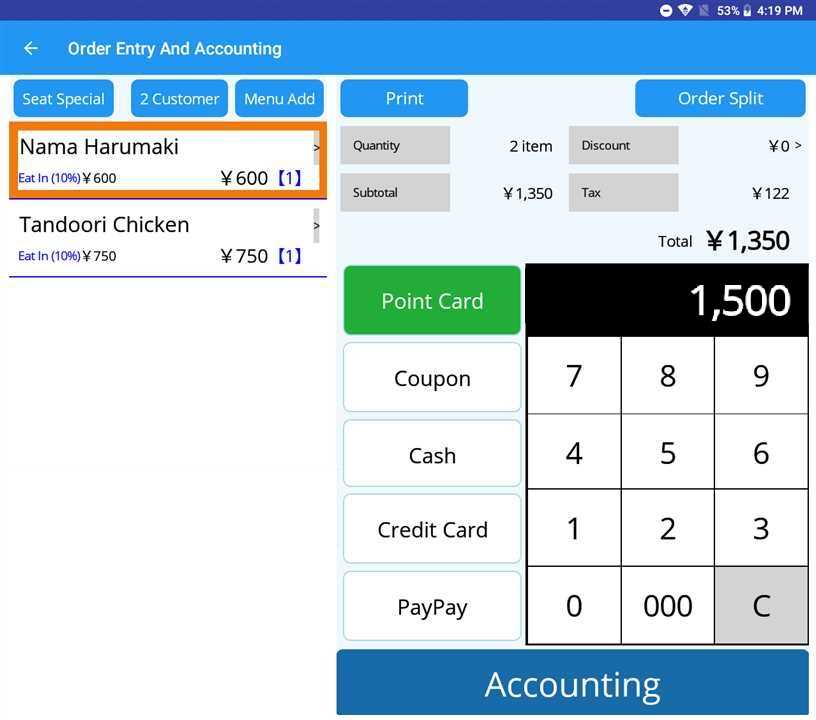
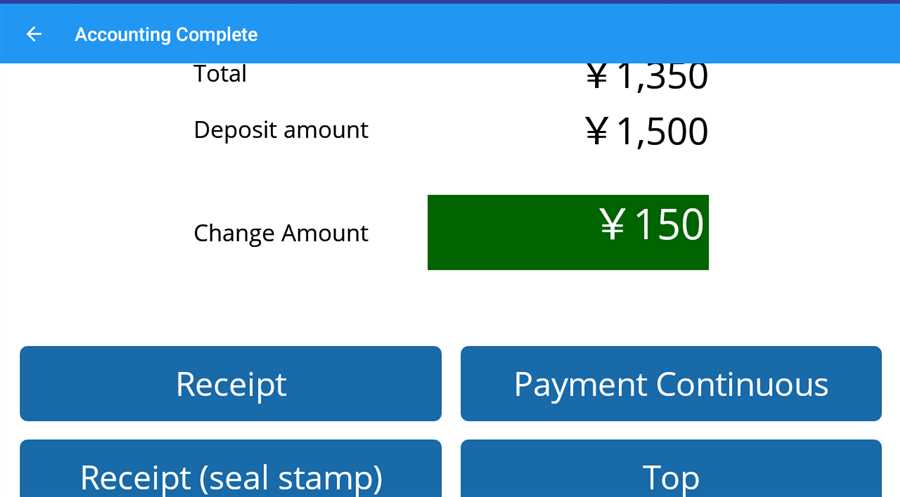
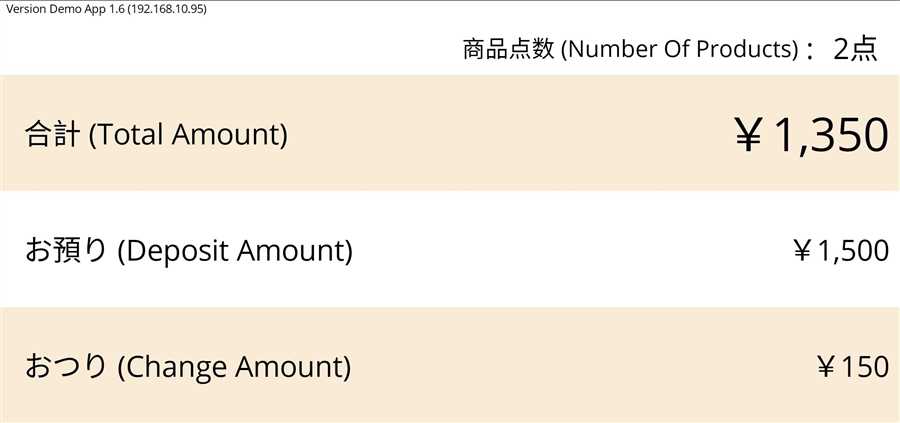
Total amount, deposit amount and change amount appears in the both Customer Display and POS terminal as shown in the figure where ¥1350 is the total amount to be paid, ¥1500 deposited amount by customer and ¥150 change is returned to the customer.
Customer Display :
POS Accounting: