Steps to Disconnect the Customer Display
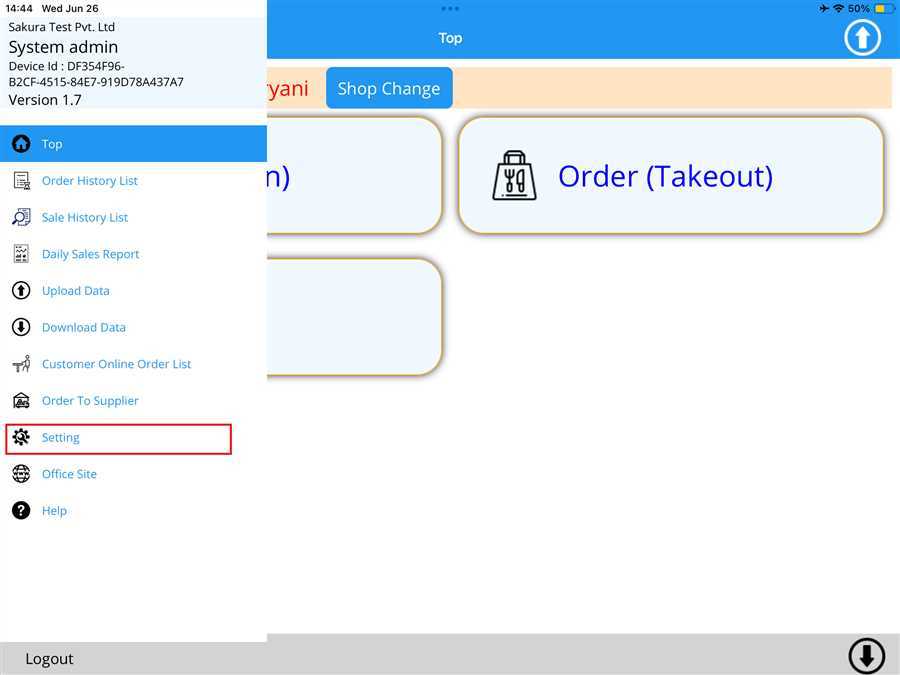
Swipe right from the left edge of your device to access the side bar and find Setting. Tap on Setting.
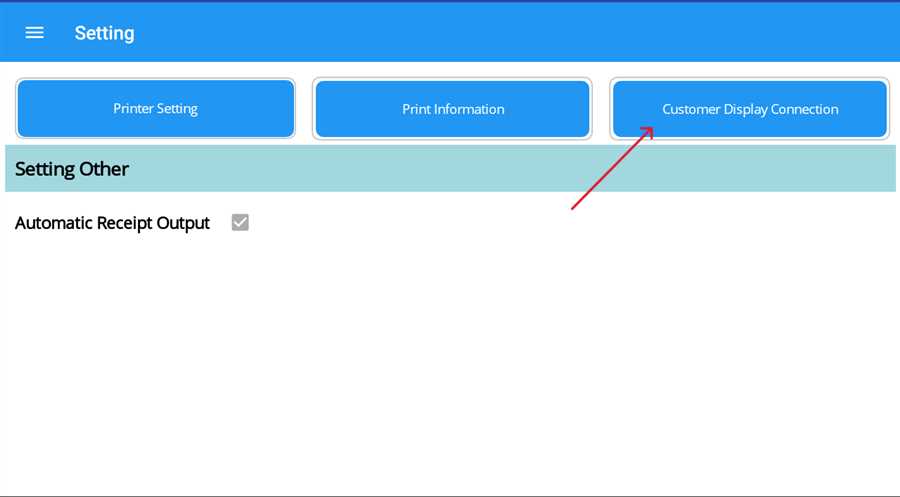
On tapping on the Setting on side bar, the setting appears as shown in image attached below. Now, tap on Customer Display Connection button.
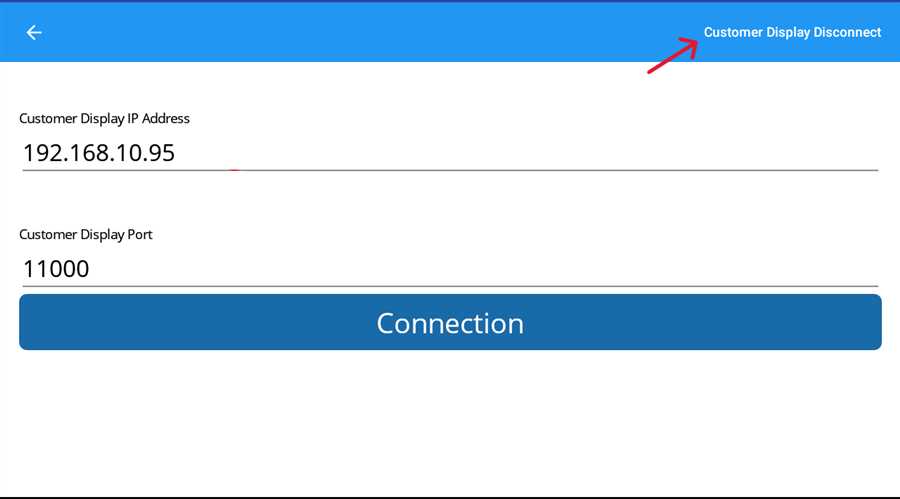
Customer Display Connection page apppears and then tap on the "Customer Display Disconnect" button on the right side of the page. This will disconnect the Customer Display from the POS terminal accounting.