Network Check
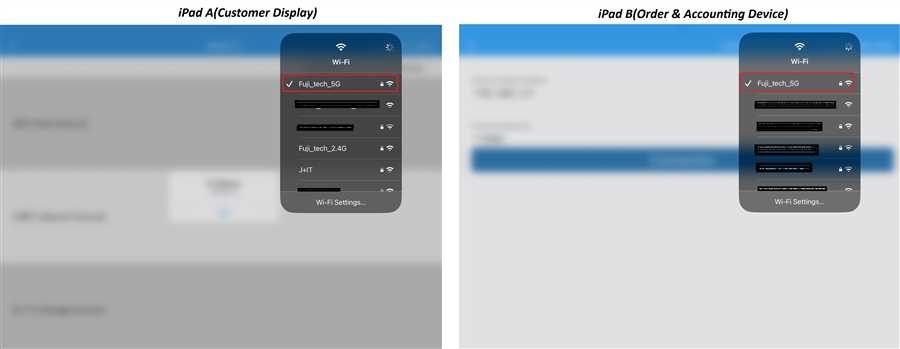
Both the devices must be in same network(wifi) so that they can be connected. Check which network are the devices connected to. They must be in same network as shown in the image below.
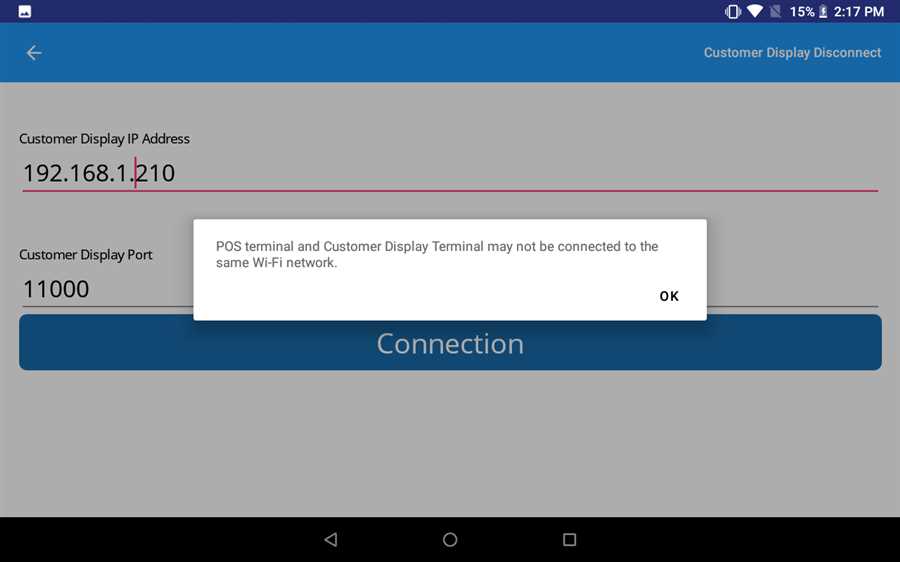
Otherwise following error message appears when trying to connect through different network(wifi):
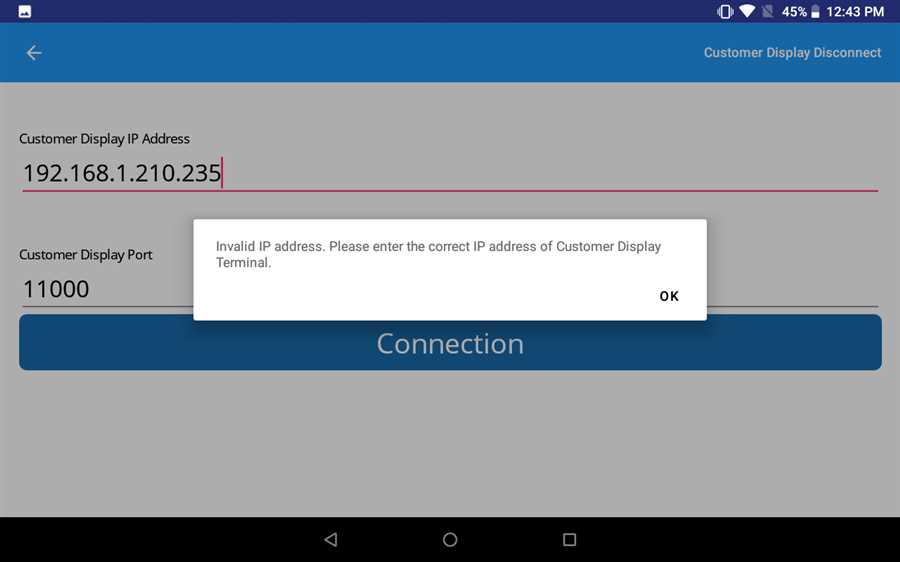
Correct IP format
IP address must be valid. The format of IP address must be valid and should not contain mistaken characters like text(abc) or special symbols(-$%),etc.
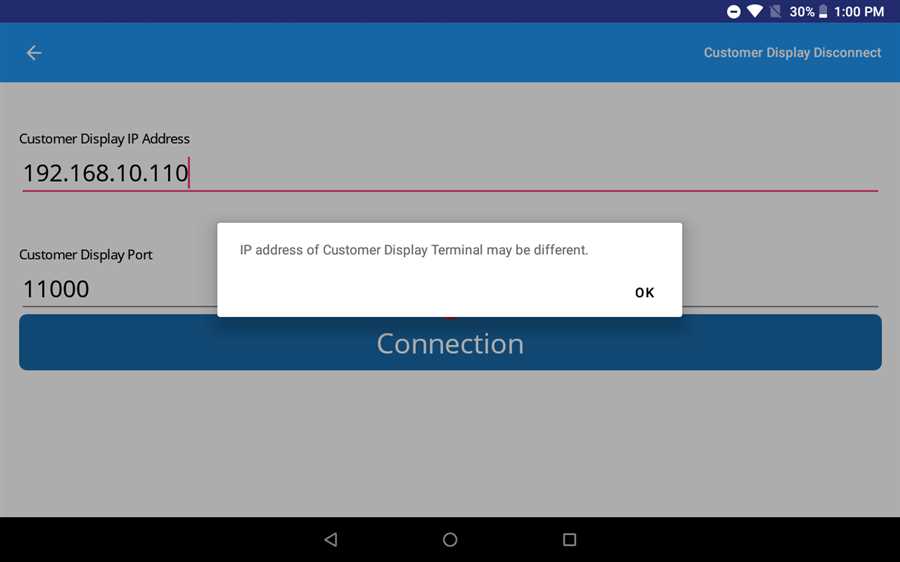
The IP address of Customer Display terminal must be same as that of POS terminal. Take the IP from the customer display device and enter in POS terminal device exactly same.
Still Problem?
Log out both the devices and login again and try again. If the problem still presists, try to restart the devices as well as the router and try again. If it still doesn't work even after that contact us we will get right back to you.
