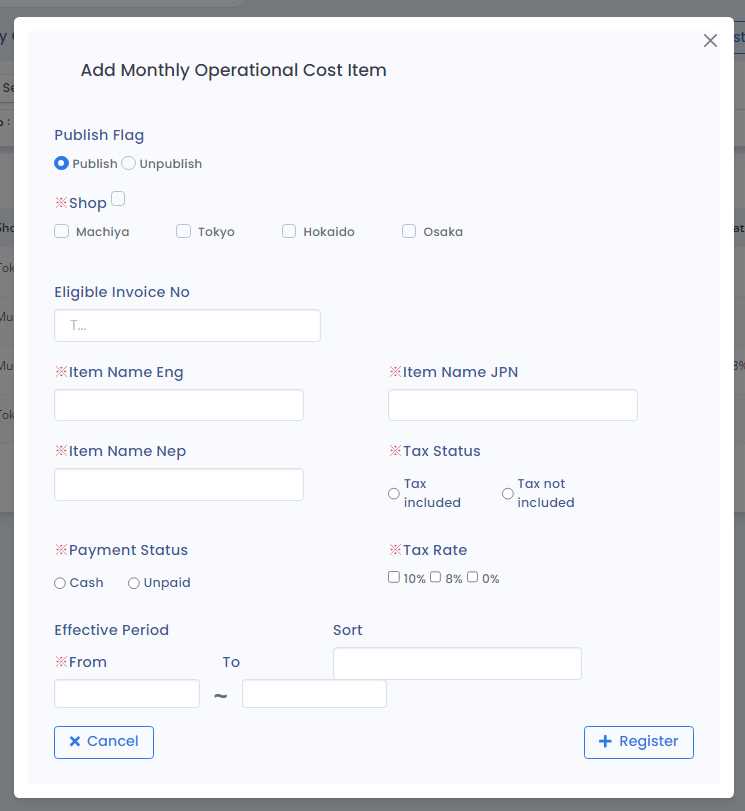
1) Publish Flag
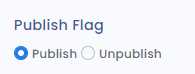
· Publish: Item is eligible to be used while expenses are being registered
· Unpublish: Item is ineligible to be used while expenses are being registered
2) Shop (Only for Company Authority)
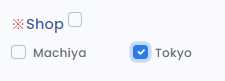
Select the shop to which the item belongs.
3) Eligible Invoice No
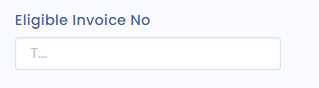
Enter a unique invoice number for the item, starting with 'T' and consisting of 14 characters. For example: T1111110000223.
4) Item Name

- ENG: Enter the name in english.
- JPN: Enter the name in japanese
5) Tax Status
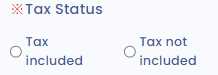
·Tax Included: The price of the item includes tax.
·Tax not Included: The price of the item excludes tax.
6) Payment Status
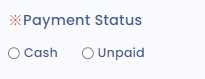
·Cash: The price of the item has been paid in cash.
·Unpaid: The price of the item is yet to be paid.
7) Tax Rate
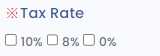
Select the applicable tax rates for the particular item that can be paid.
8) Effective Period
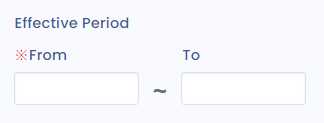
· From: The date from which the item is eligible for expense registration.
· To: The date until which the item is eligible for registration.
9) Sort
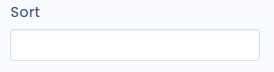
Items are in order according to the sort number.