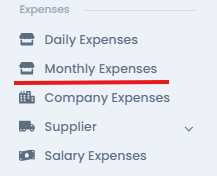
Click on "Company Expenses" in the navigation panel.
Click on “Registration” button

The following form will appear. Please fill it out accordingly:
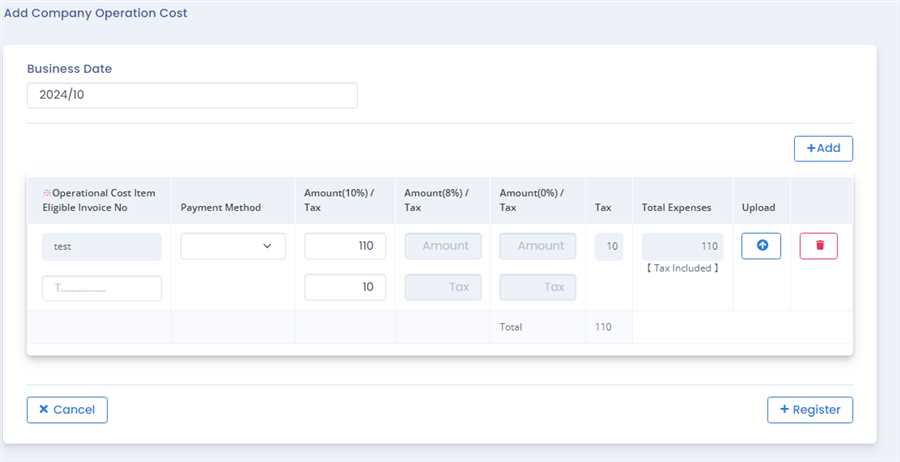
a)Business Date
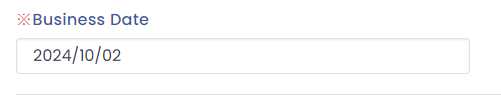
Select the date labeled "Business Date" on which the expenses need to be recorded.
b) Add Items

User can increse the tab by pressing "Add" button if user wants to add multiple records.
c)Upload and Delete
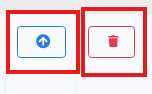
You can upload image of bills here denoted by arrow logo button and delete the record by trash icon button
Register Expense
Click "Register" to finalize the expense
