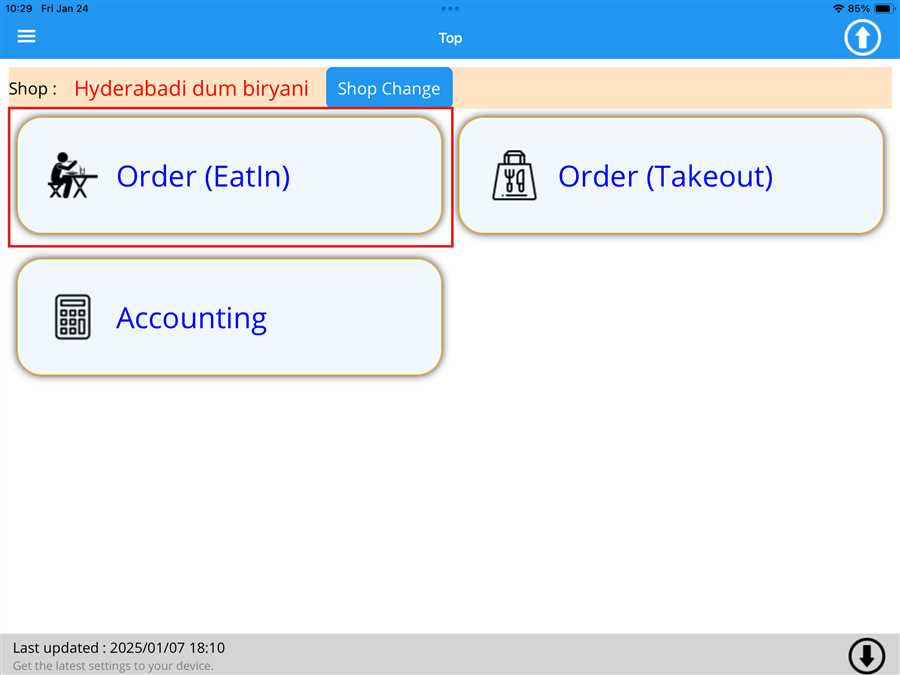
After pressing the Order(EatIn) button a list button appears which contains the tables registered on the shop with respective order value(total ordered menu price) on those tables.
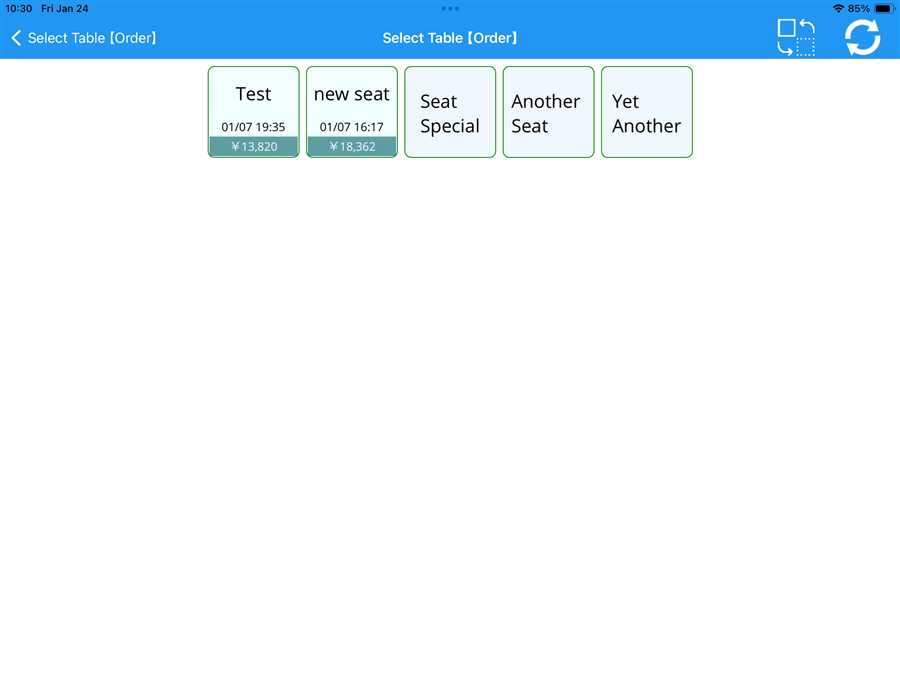
After pressing a table a page opens up which allows the user to enter the number of customers.
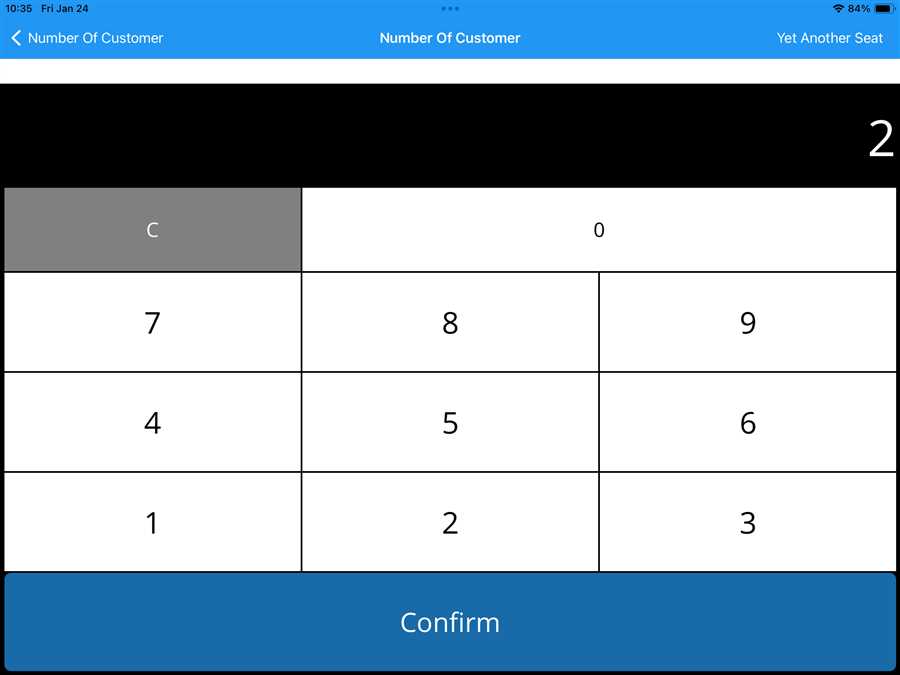
After entering the number of customer menu page page opens up register menu in that shop as shown in the figure and user can select the brekfast/lunch/dinner course time pressing dish icon  .
.
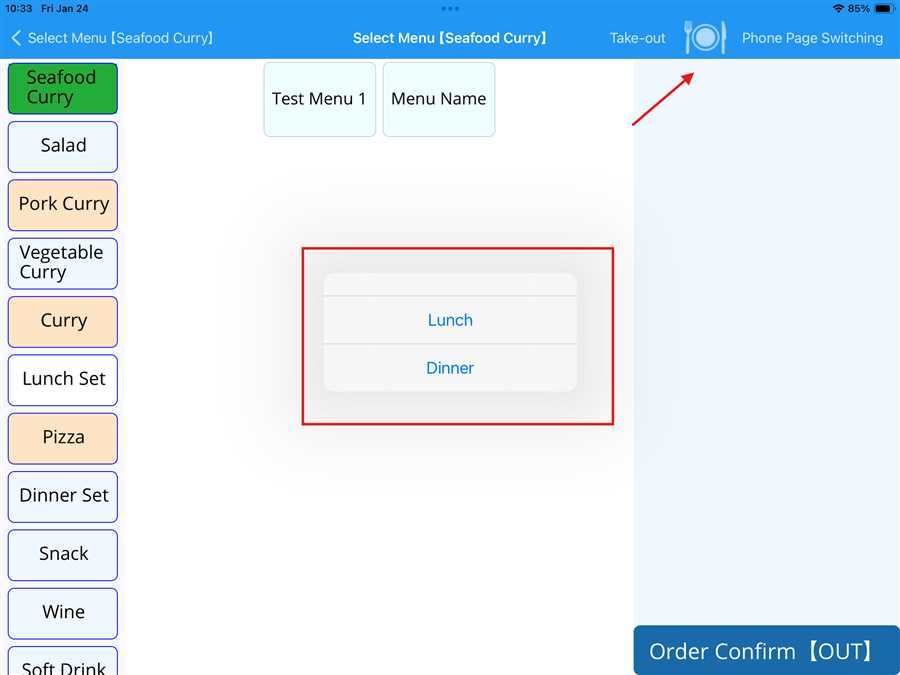
Here, lunch and dinner options appears after pressing the icon then user can accordingly select the menu in the respective course time.
Note: The course time setting can be accordingly modified throush POS agent.