Step to Register the Delivery Service
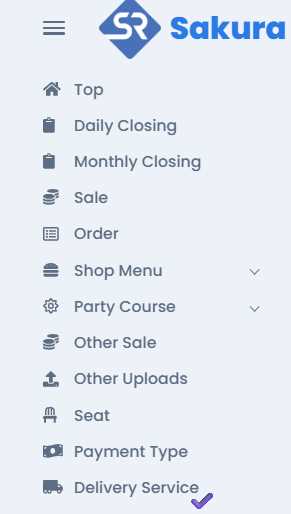
You will find the Delivery Service at left side in Menu bar.
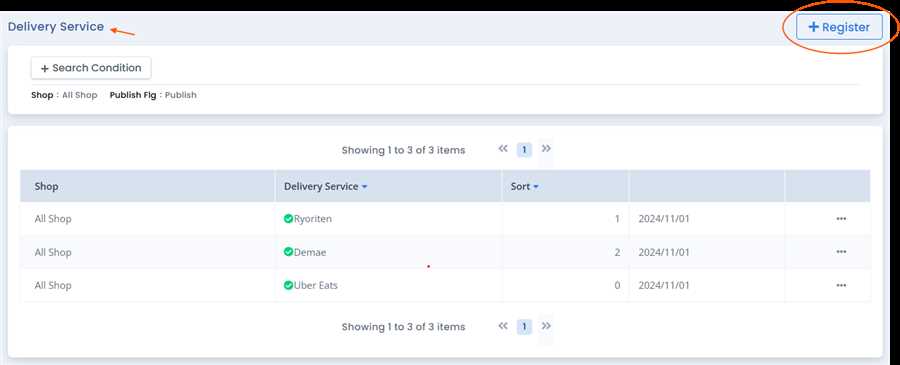
Click on Delivery Service, then you will find the Delivery Service List with registered 'Delivery Service' with their information, where you will find the New Registration button on the top right.
Click on New Registration button ,Delivery Service registration pop up form opens up where you can fill up required information like Delivery Service name, for specific shop or all shop , etc and press Registration button to register the Delivery Service .
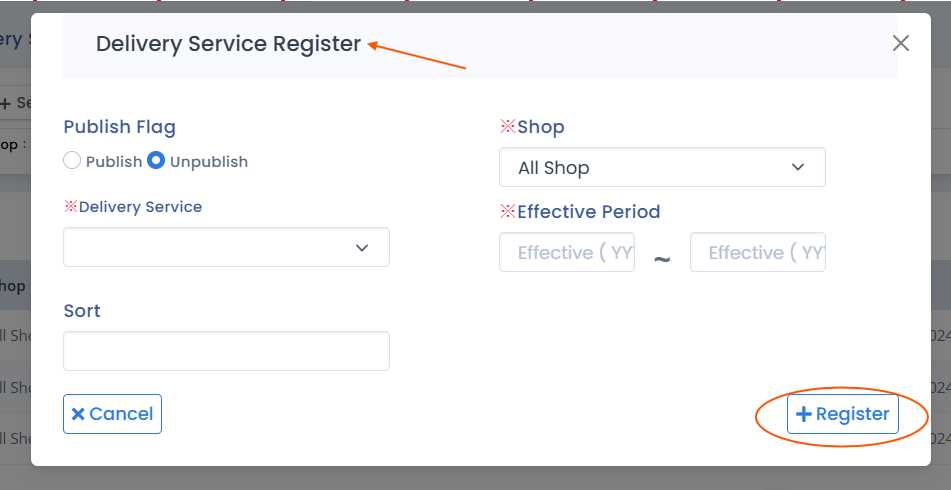
Note: ※ mean the required field in necessary and must me filled and must not be left empty or blank.
Aflter filling up the form with required information and pressing Register button Registration of the 'Delivery Service' is complete.
