1. Open your preferred browser(Chrome, Firefox, Safari, etc.) and go to the URL "https://account.sakurareji.com".
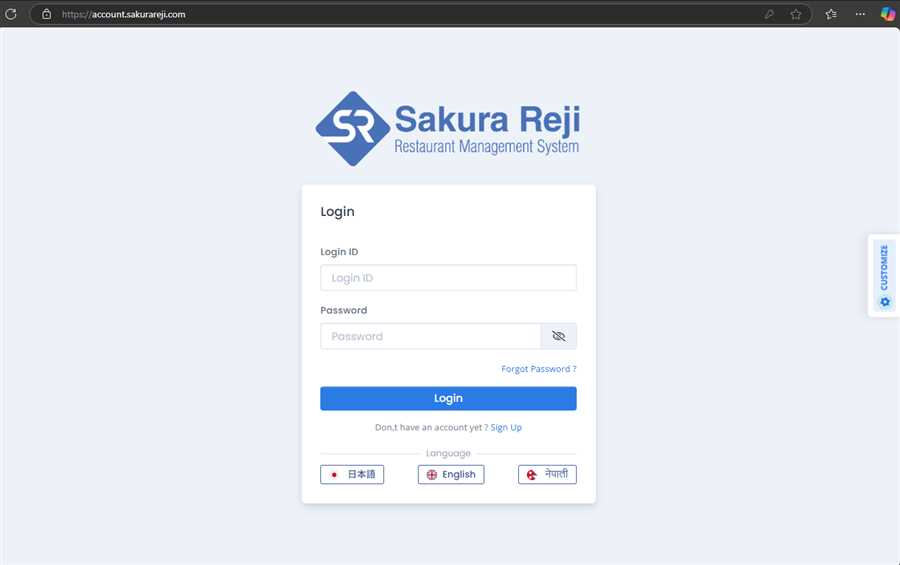
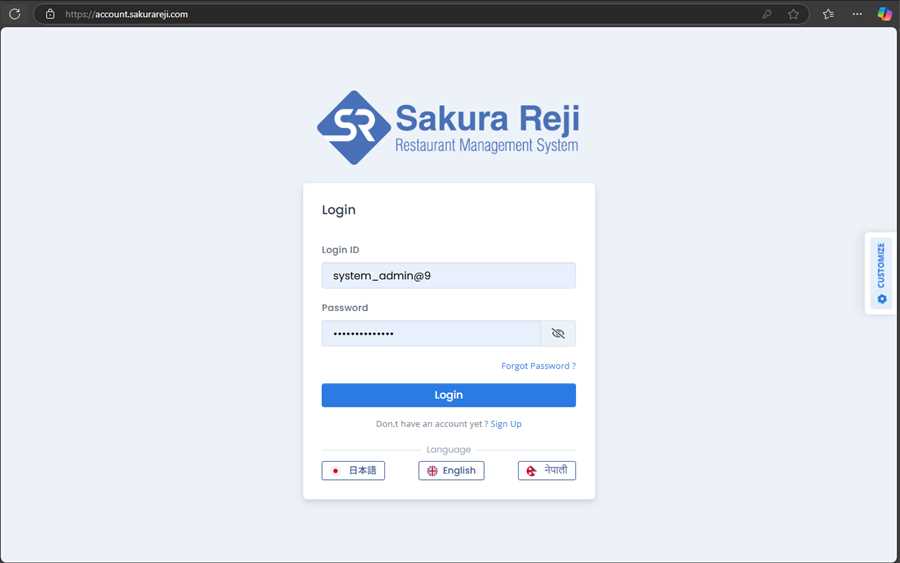
2. Enter your username/email and password provided to you by the administrators after your account was created. Then, click on the Login button.
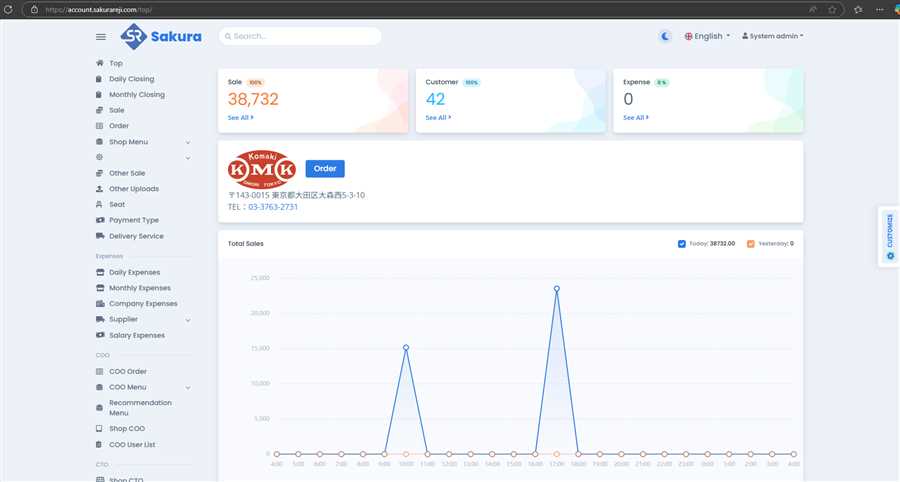
3. Then, on successful login, you are redirected to the top page of POS web as shown below.
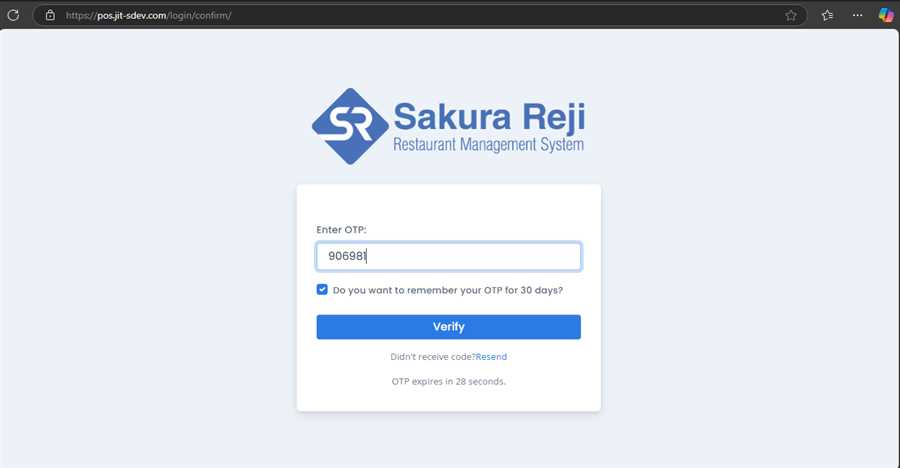
Alternatively, if you have set two factor authentication ON previous login sessions, you might get another page where you are required to enter the OTP code sent to the email you have set to the two factor authentication page.
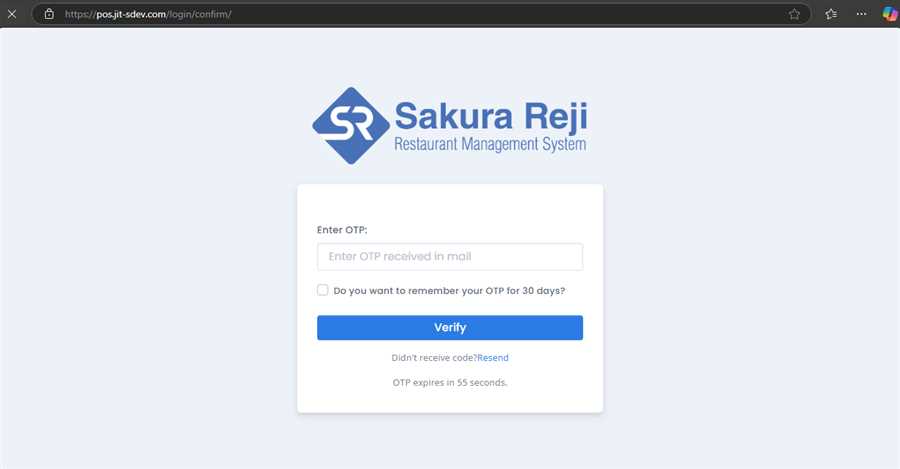
Enter the OTP code received in your email and then click on the verify button. You can get new code by clicking on the Resend link below the Verify button in case the code is expired.
On successful OTP verification, you are taken to the top page.
