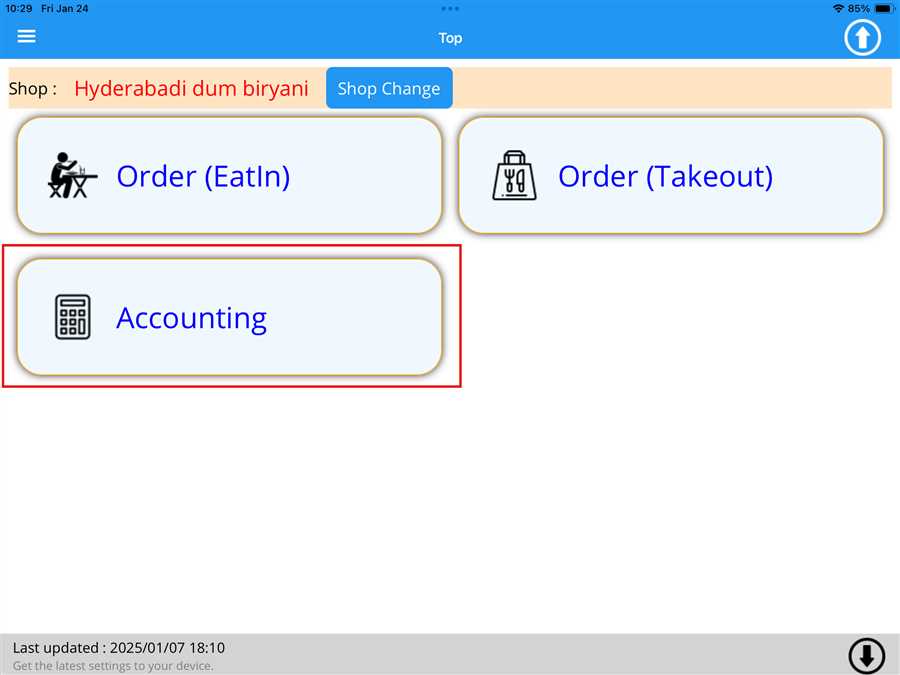
After pressing Accounting button a list button appears which contains the tables registered on the shop with respective order value(total ordered menu price) on those tables
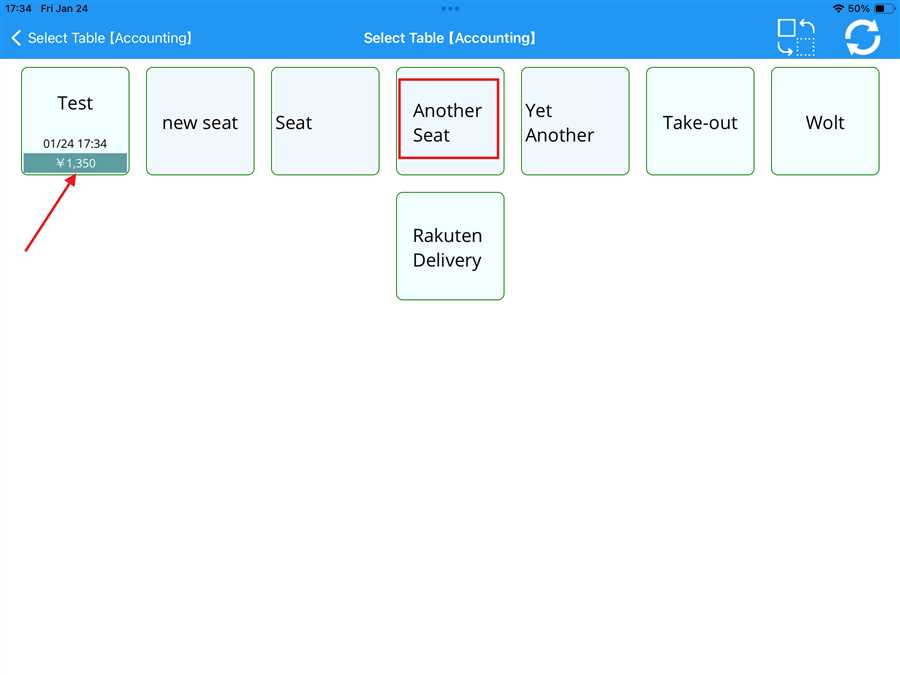
Here,Another Seat is the table registered to the shop shown by red box and ¥ 1,350 is the amount accumulated on the test table shown by the red arrow.
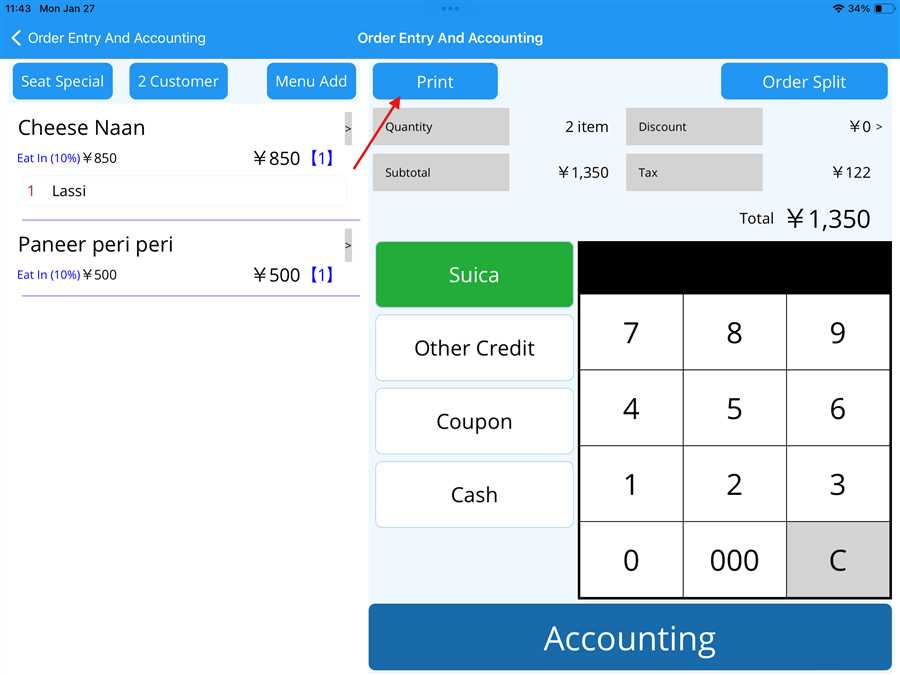
Printing the order without Accounting
The user can print the receipt by pressing the 'Print' button (indicated by the red arrow) on the accounting page, as shown in the picture below.
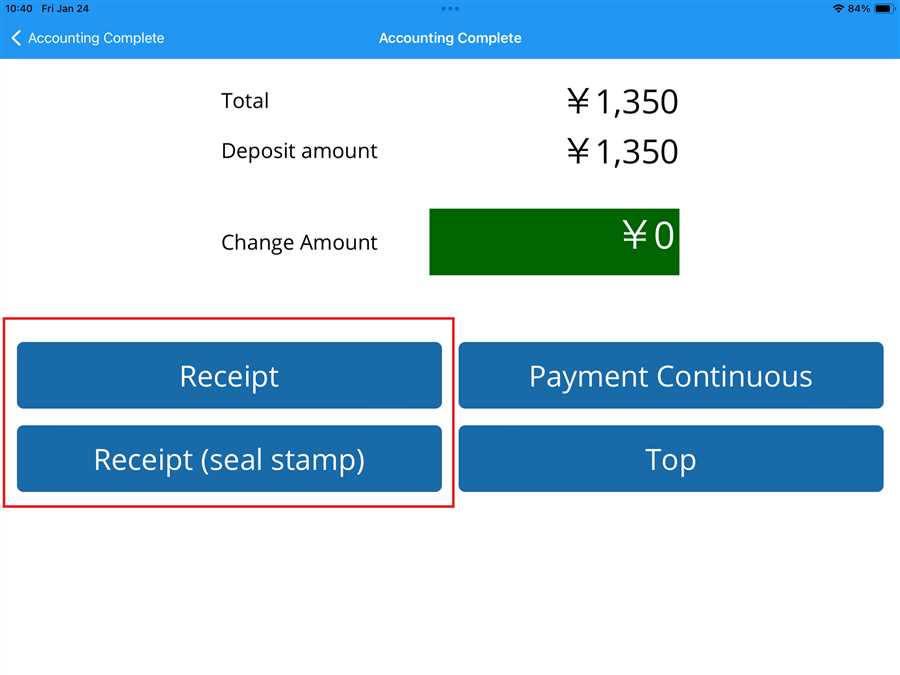
Printing the order with Accounting
Automatic printing of the receipt occurs after pressing Accounting. However, the user can also print the receipt again by pressing either the 'Receipt' or 'Receipt (seal stamp)' button, as shown inside the red box below.
Thus, the following steps can be followed to print the receipt of the order, both before and after accounting.
Note: Automatic printing of the receipt is done without taking any action.