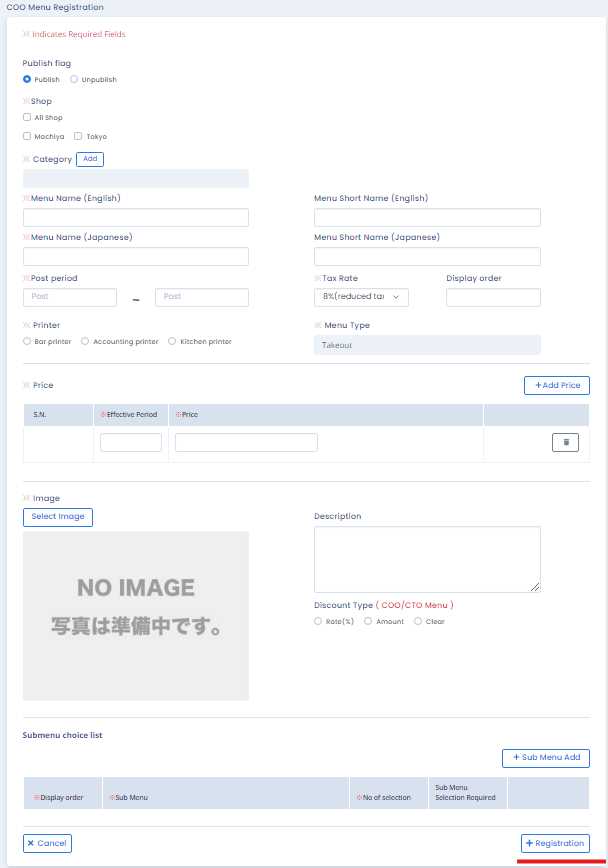
How to add COO menu
Opening COO menu list
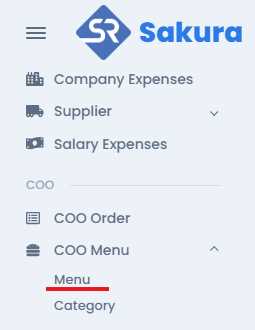
You will find menu at left side in COO Menu tab in COO section. Click on menu, then you will find the COO menu list with registered COO menu with their information.
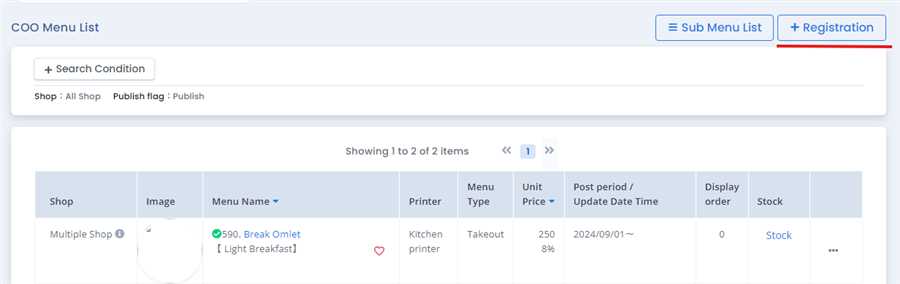
Click register button
To open registration form and registration button should be clicked.
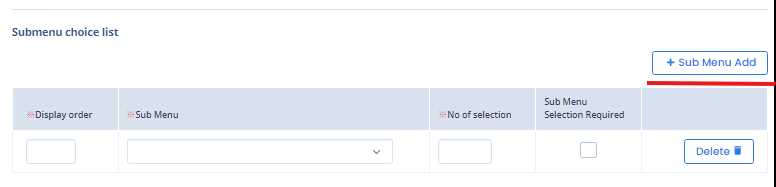
Add sub menu
Registration forms opens up where information is filled up by user. Additionally, sub menu can also be added as shown in the figure above.
Click Registration button
Finally, after all the information filled up registration button is clicked register COO menu.