How to update shop CTO
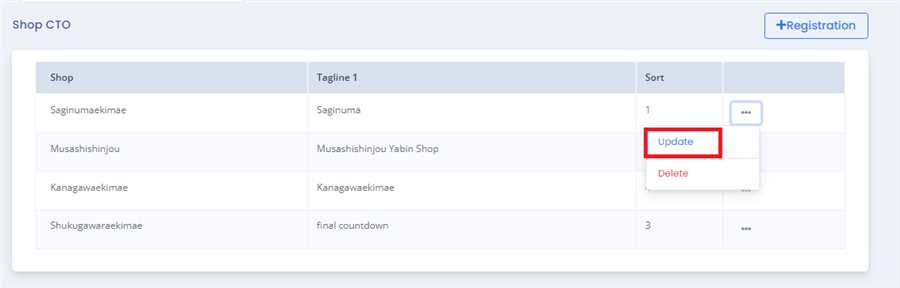
Click Update tab
User can press update tab after pressing (...) button where user can update shop CTO.
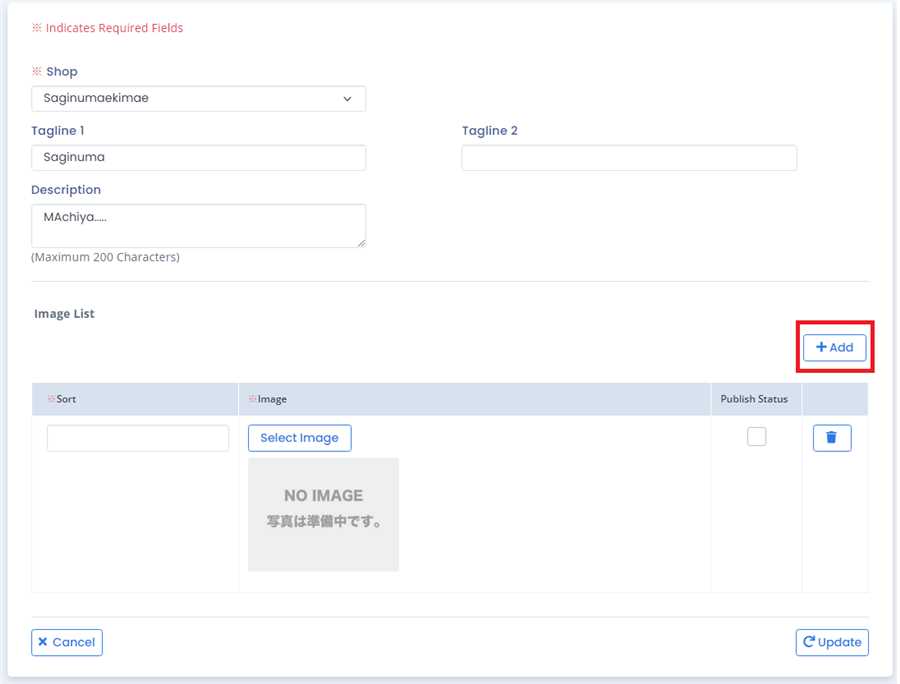
Click Add button
After pressing update tab user can update required information and also add images by pressing ADD button, where you can add delete or edit image list.
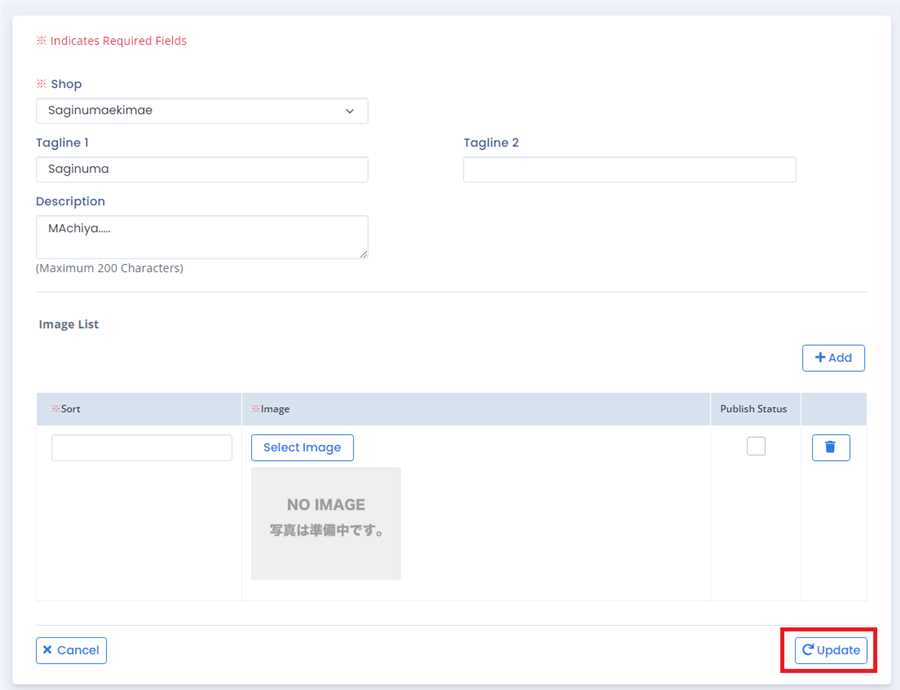
Press Update
After updating necessary information for shop CTO it can be updated by pressing Update button.