Problems you might encounter:
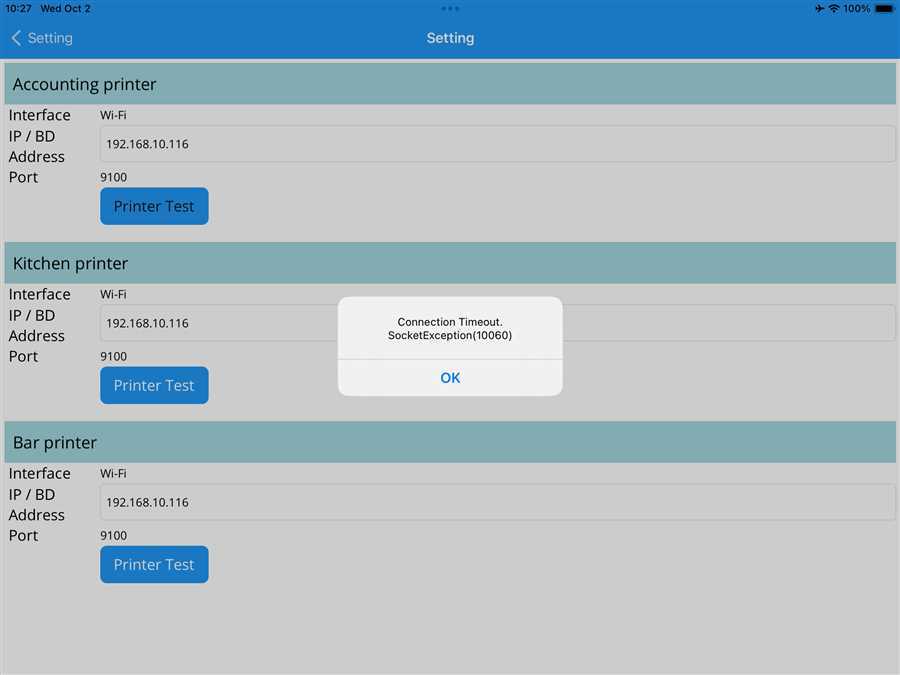
Connection Timed Out:
This timed out may persist if the app takes too long to connect to the printer. This may occur also when the printer is off. So, check if the wifi is working fine and printer is turned on.
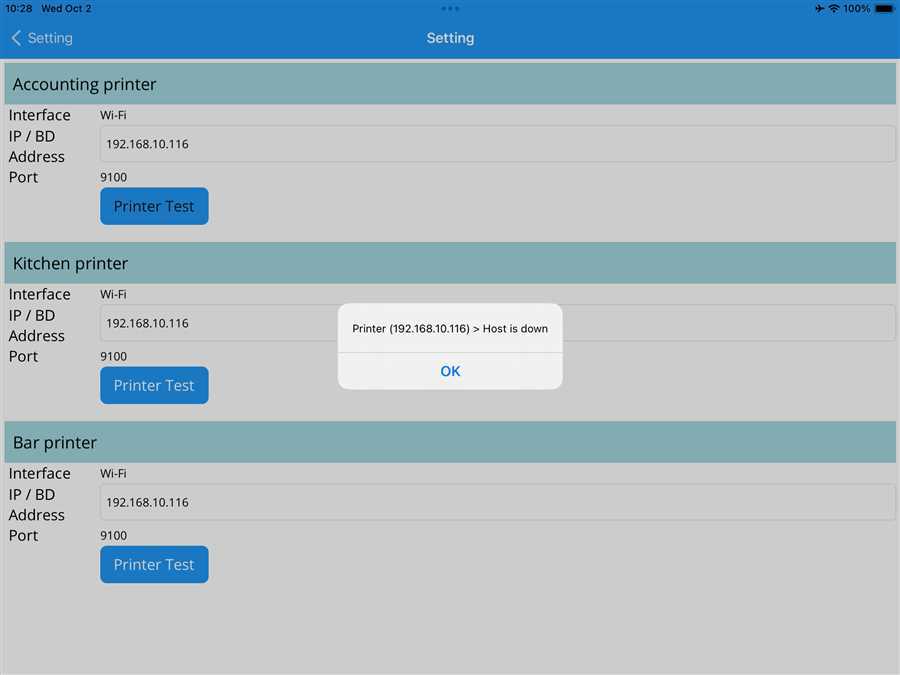
Host is down:
This error may occur when incorrect IP is set and "Printer Test" button is tapped. It also occurs even if the IP address is correct but the printer is turned off. So make sure the entered IP address is correct and the printer is turned on when setting up the printer.
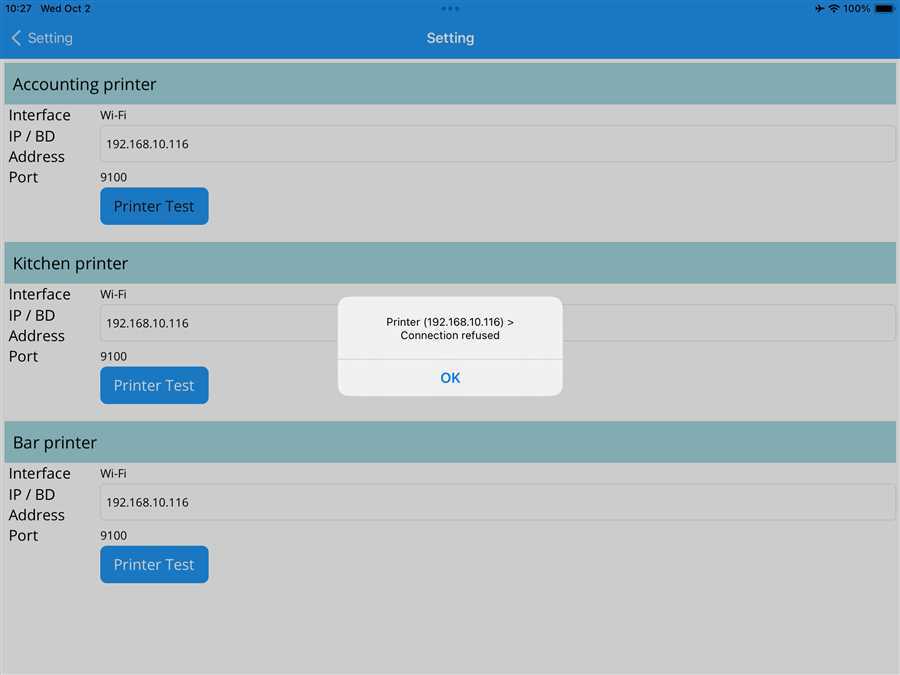
Connection Refused:
This usually occurs when the printer and your device(phone/tablet/iPad) are in separate network. It can't find the device on the given IP. Hence, the connection is refused. So, check if your device and printer are in same network.
If you encounter the above problems and also other problems which are not mentioned above, try the following:
Check Wi-Fi Network: Your printer and your device (phone/tablet/iPad ) need to be on the same Wi-Fi network. Double-check the Wi-Fi settings on both your device and the printer. They both must be connected to the same router or Wi-Fi network. Sometimes, your device might switch to a mobile data connection or another Wi-Fi network, so make sure this doesn’t happen.
Verify Printer Connection: Make sure the printer is correctly connected to the router correctly. Verify the ethernet cable connection. There may also be problem in the ethernet cable sometimes. If the printer has a display, it might show the network status, or you can check the printer's manual on how to confirm this.
Retry the Connection: After verifying both the printer and device are on the same network, try to connect again. If the connection still fails, move to the next step.
Still No Connection?
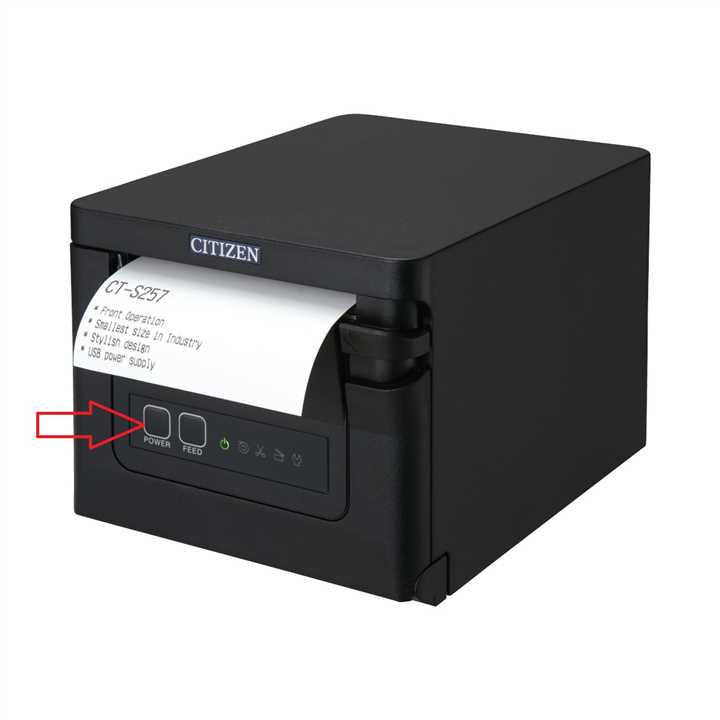 If the problem still persists, restart your printer. Press and hold the power button of the printer to turn it off and turn it on again. Try to connect it again.
Restart Device
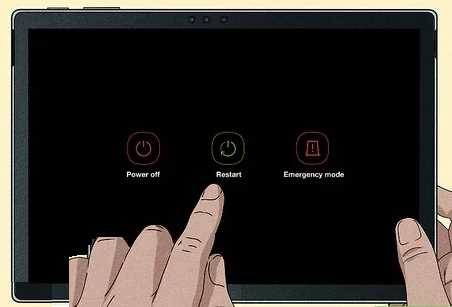 Try restarting your device if you still have the problem. Press and hold the power button and tap on "Restart" button to reboot your device(tablet/iPad/phone) where you access the app.
Still not working?
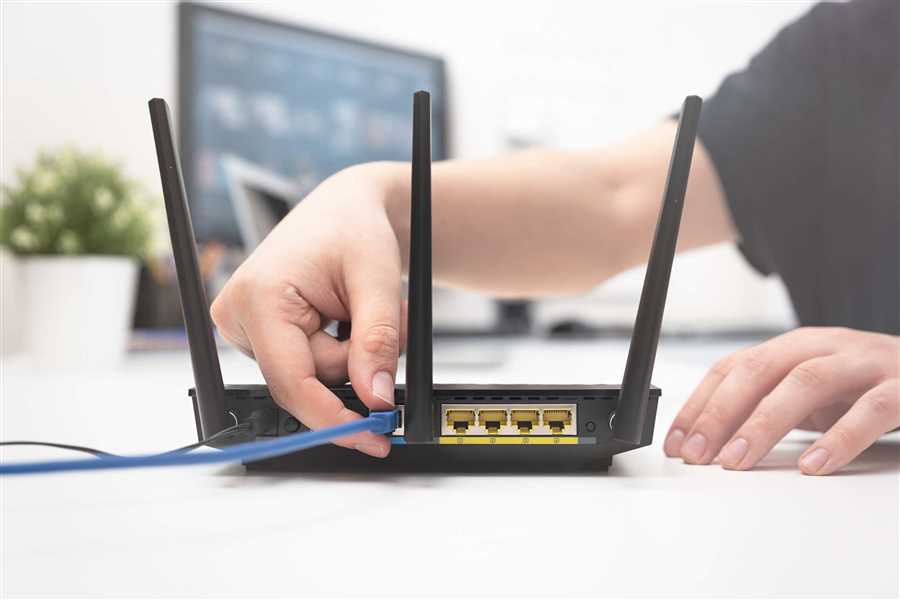 If your printer is still not connecting, turn your router off and turn it back on and try it again. If the problem is still not fixed. Try other troubleshoot guides.
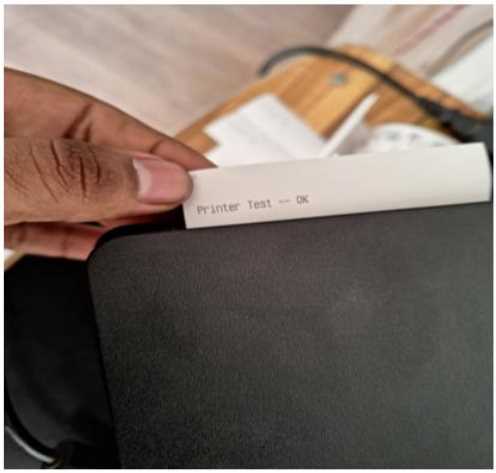
After all the troubleshooting, if the there are no other issue "Printer Test -- Ok" slip prints out.
Further inquiries?
