Printer Not Connecting?
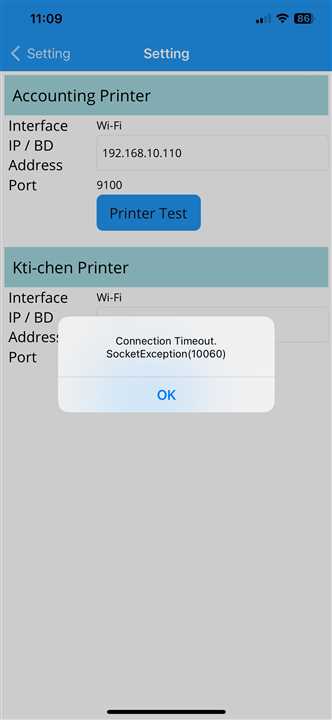
Connection timed out
If you get the error message seen in the image, the printer may be having issues.
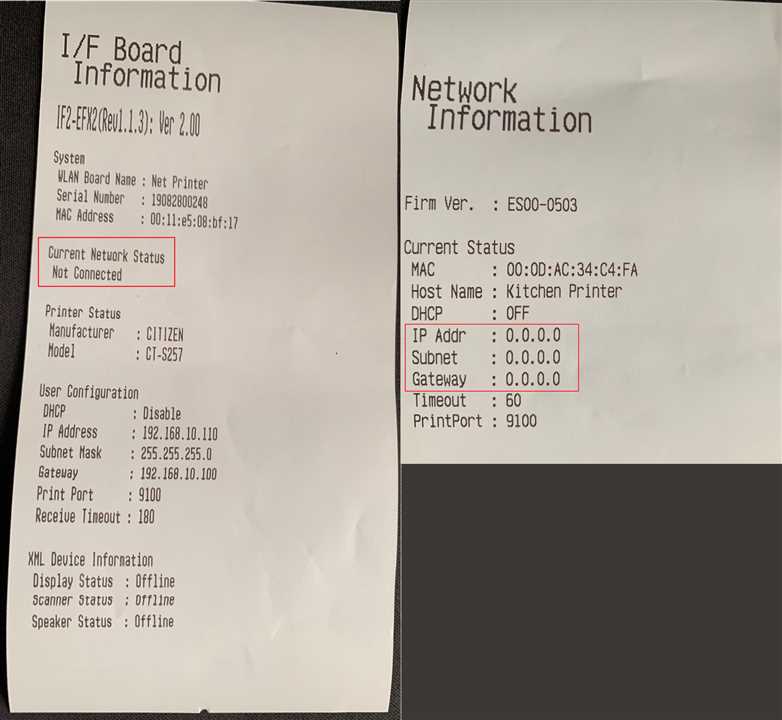
Check the printer detail slip
Get the printer detail slip from the printers. Refer to the attached image for 2 samples of IP slips. Check the highlighted part in the image. The network status says 'Not Connected' in the first slip and there is no IP address assigned(0.0.0.0) in the second slip. This means the printer is not connected to the router properly.
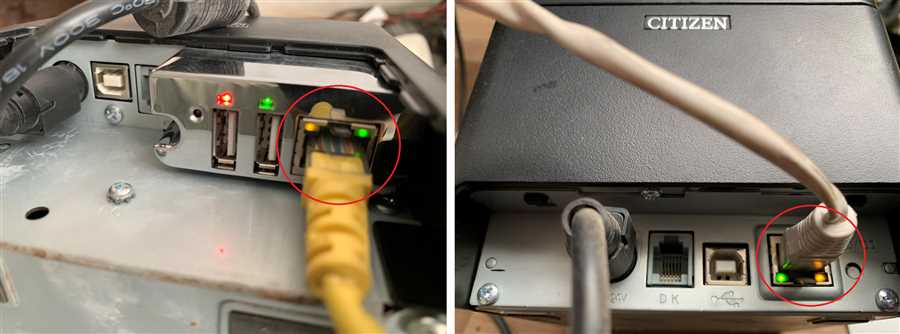
Check Printer Network Indicators
Check the connection of ethernet cables to the printer. If the printers are properly connected to the network router, the indicators highlighted in the images should be glowing just like in the image. If the indicators are not glowing then, there may be issue with the cable or the ports.
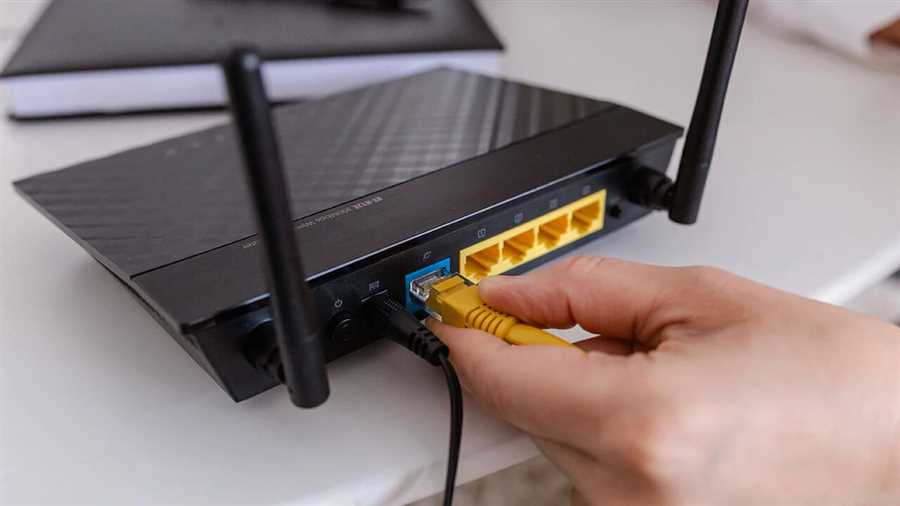
Port and Cable Check
Try changing the port of the cable connected to the printer. Use another ethernet cable and check if the printer is working. If it still doesn't work, check the integrity of the cable. Get a technician to check if the cable is working fine. Contact us if it still doesn't work.
Further inquiries?
Please refer to the youtube link attached if there is any problem. This video gives complete instruction to set up printer
